
How to Obtain Your e-Government (e-Devlet) Service Statement is a frequent query among citizens seeking their employment and insurance records. The service statement documents the periods you were insured, the workplaces you were registered with, the number of insured days, and details of your premium payments. This official document is used in many processes, from pension applications to job changes and legal procedures.
Checking insurance history, especially for those covered by the Turkish Social Security Institution (SGK), prevents rights losses and ensures you have the documentation you may need in the future. Below we cover what the service statement is, how to obtain it via e-Devlet, the types of documents available, and when they are valid — step by step.
What Is a Service Statement and What Is It For?
The service statement is an official record showing when a person was insured under the Social Security Institution (SGK), which workplaces they served at, and how much premium was paid during those periods. The document can be obtained easily through the e-Devlet system and is commonly used for pension calculations, job applications, court proceedings, and other SGK transactions.
Information Included in the Service Statement:
- Insurance start and end dates
- Employment start and end details
- Workplace name and registration number
- Monthly number of premium days
- Type of premium payment (4A, 4B, 4C)
- Total number of premium days paid
- Gross earnings and earnings subject to premiums
Where the Service Statement Is Useful:
- Calculating retirement age and retirement date
- Verifying that employers paid premiums correctly
- Calculating severance and notice pay
- Detecting missing premium days
- Submitting documents for disability retirement or medical leave applications
The service statement also lets employees monitor their insurance history and identify missing or incorrect reports early. Regularly reviewing this document helps avoid future disputes or losses.
How to Get the Service Statement via e-Devlet
Getting your service statement through e-Devlet is practical and fast. The e-Devlet portal is integrated with SGK records, allowing users to access their insurance history within minutes. The service is free and the document can be downloaded as a PDF.
Step-by-step: Obtaining the Service Statement from e-Devlet
- Go to the e-Devlet website: www.turkiye.gov.tr
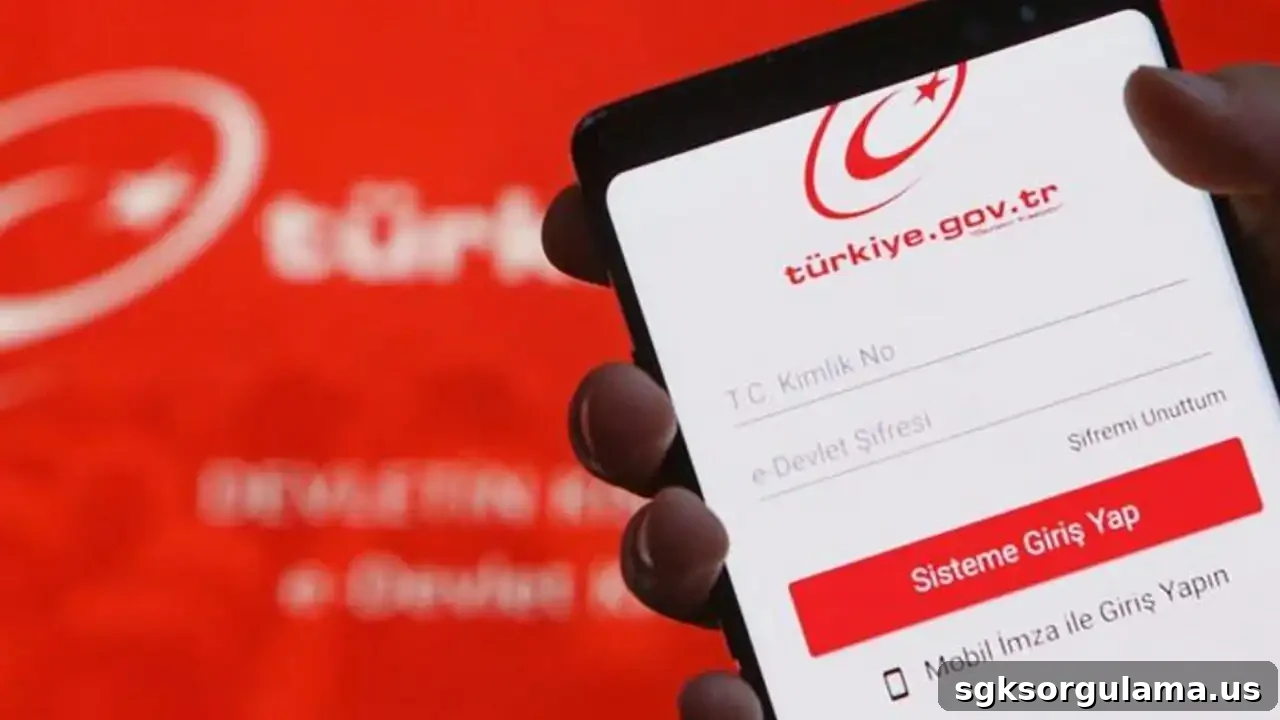
- Log in with your Turkish ID number (T.C. kimlik numarası) and password.
- Type “SGK Registration and Service Statement” into the search bar on the homepage.
- Select the relevant option: “4A Service Statement”, “4B Service Information”, or “4C Registration”.
- The screen will list all your service information.
- Click the “Generate Document” button at the top right to obtain a printable or downloadable copy.
Which SGK statuses does the statement cover?
- 4A (SSK): Private sector employees
- 4B (Bağ-Kur): Tradespeople and self-employed professionals
- 4C (Retirement Fund): Civil servants and public officers
Important points when obtaining the document:
- Access may be temporarily interrupted during system maintenance.
- The barcode on the document makes it valid for official transactions.
- Check personal details carefully before sharing the document with employers or third parties.
What Information Appears on the Service Statement?
For first-time viewers, it’s important to know what the service statement contains. It records not only workplaces but also insurance type, number of premium days, earnings information, and all details related to service periods. Codes and explanations on the document carry official meaning and should be read correctly.
Key information found on the service statement:
- Turkish ID number (T.C. kimlik numarası)
- Full name and date of birth
- Insured type (4A, 4B, 4C)
- Workplace registration number and name
- Employment start and end dates
- Monthly premium day counts
- Gross wage / earnings details
- Reasons for missing days (sick leave, unpaid leave, absenteeism, etc.)
- Total days and total earnings
Meaning of common codes:
- 01 – Normal work
- 05 – Short-time work allowance
- 07 – Absenteeism
- 08 – Detention
- 21 – Other reasons
Semantic notes to watch for:
- If there is a missing-day entry, verify the reason listed.
- Discuss any periods that appear to have missing premium days with your employer.
- Because the information directly affects retirement calculations, report incorrect data to SGK promptly.
The service statement is more than a list; it summarizes an individual’s entire social security history. For that reason, it should be reviewed regularly and kept ready for official employment-related procedures.
What to Do If There Is an Error on the Service Statement
If you find missing days, incorrect workplace information, or inaccurate earnings on your service statement, you must apply directly to SGK. Uncorrected errors can cause significant issues in pension calculations and compensation claims.
Most common errors:
- Underreported premium days
- Incorrect workplace name or registration number
- Periods showing uninsured work
- Incorrect earnings subject to premiums
- Recorded under the wrong insurance type (for example 4B instead of 4A)
Steps to correct records:
- Carefully examine your service statement.
- Mark the periods or records that appear incorrect.
- Obtain payroll records, salary slips, or employment contracts from the employer for the relevant periods.
- Apply in person at the SGK office with a written petition and supporting documents to file an objection.
- If necessary, you also have the right to take the matter to the Labor Court.
Can corrections be made online?
No. Errors in the service statement cannot be corrected via e-Devlet. You can, however, print the document from e-Devlet and attach it to your application. Objections must be filed with SGK offices.
Remember: When you detect an error, take action without delay. There are time limits for appeals and legal actions in some cases, and quick steps help prevent losses.
Where Is the Service Statement Used?
Knowing where the service statement is required helps citizens understand its importance. Everyone registered with the social security system may need this document in many contexts. It is accepted as an official record in both public institutions and the private sector.
Main uses of the service statement:
- Pension applications: verifies retirement age, premium day count, and earnings.
- Job applications: often requested by public institutions and large private companies.
- Severance and notice pay calculations: used to determine rights after employment ends.
- Court proceedings: serves as evidence in service determination cases, labor claims, or insurance disputes.
- Workplace inspections: SGK inspectors use it to check employees’ insurance history.
- Buyback procedures: required for counting days for childbirth, military service, or overseas periods.
- Tax exemption applications: used in income assessment for tradespeople and self-employed applicants.
- Social assistance and public support: may be requested during means testing.
Validity of the electronic document:
The service statement obtained from e-Devlet includes a barcode and is valid in place of a wet-signed document. You can send the PDF by email instead of printing it. However, if an institution specifically requests a wet-signed paper copy, you should obtain a physical document from the SGK office.