
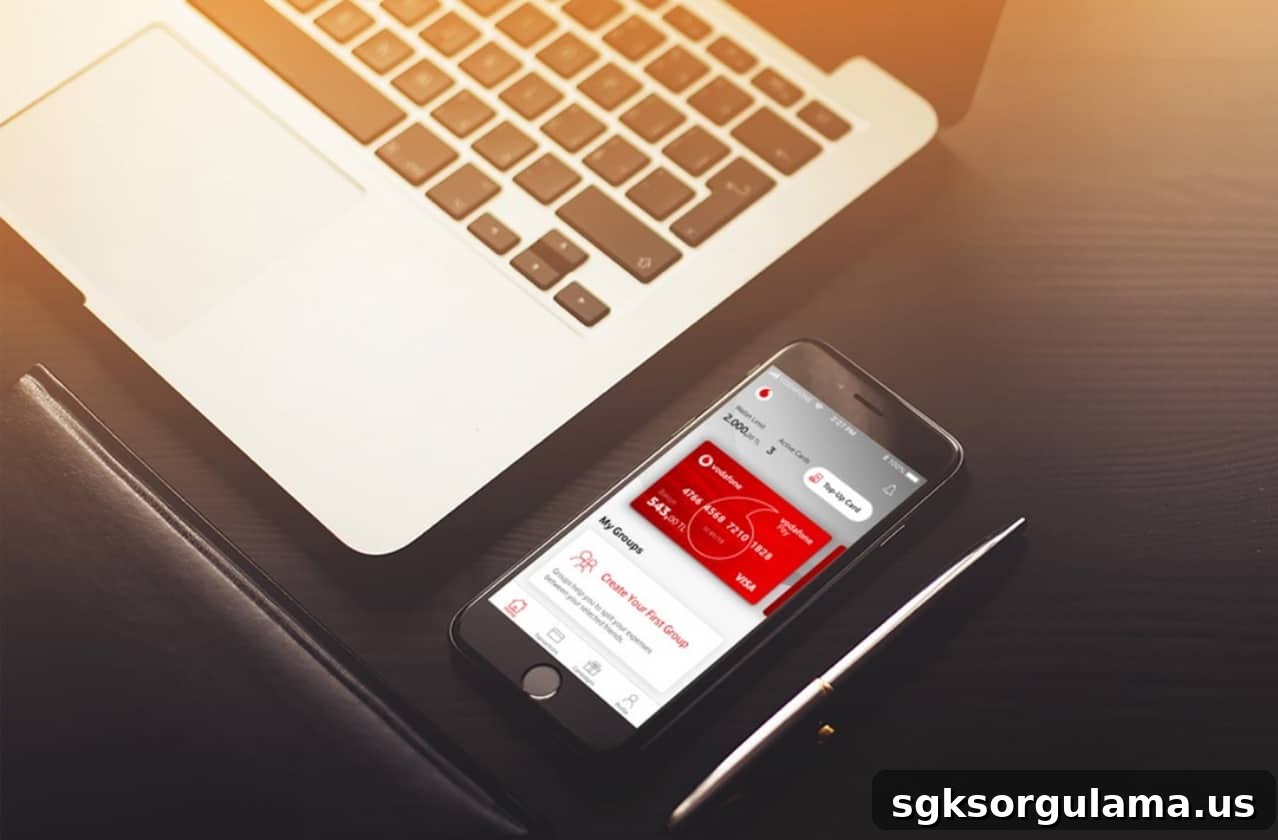
With Vodafone Pay’s mobile payment service, you can shop online and in-store without carrying debit or credit cards. Vodafone’s free next-generation payment system lets you complete purchases when needed, regardless of whether you are a bank customer. Activating or deactivating Vodafone Pay mobile payments is free and can be managed easily by sending a short SMS to 7878 to update your preferences with the mobile operator.
What Is Vodafone Pay?
Vodafone Pay is a mobile wallet application designed to enable basic financial transactions without requiring a bank-issued debit or credit card. Built as a next-generation mobile wallet solution, the system includes the Vodafone Pay app and a prepaid Vodafone Pay Card. From a single platform you can manage simple financial tasks—such as money transfers, balance top-ups, social payments—and access support for a range of everyday payment needs.
Who Can Use Vodafone Pay?
Vodafone sets a minimum age requirement of 12 years for Vodafone Pay. Anyone aged 12 or older can register and benefit from the mobile wallet services.
You do not need to be a Vodafone subscriber to use Vodafone Pay. Any individual or corporate mobile line holder with any carrier, who is 12 years or older, can complete the Vodafone Pay registration and take advantage of the payment services offered.
What Can You Do with Vodafone Pay?
Key services available through Vodafone Pay include:
- Purchases from Vodafone online channels and participating physical stores,
- Secure storage of bank and credit card details,
- Top-up of prepaid Vodafone lines with credit or packages,
- Management of Vodafone Mobile Payment transactions,
- Instant 24/7 money transfers,
- Social payments between users.
How to Register for Vodafone Pay
To sign up for Vodafone Pay you only need to meet the minimum age requirement of 12. You do not need to be a bank customer or a Vodafone subscriber. Anyone aged 12 or older with an individual or corporate mobile line from any carrier can register by following these steps:
- Download the Vodafone Pay app free of charge from Google Play Store, App Store, or Huawei AppGallery depending on your device brand and operating system.
- Enter the requested information—Turkish ID number (T.C. identity number), date of birth, and mobile phone number—to set your Vodafone Pay password.
- Complete registration; a Virtual Vodafone Pay Card will be created automatically by the system once the password is set, finalizing your registration.
Where Is Vodafone Pay Mobile Payment Accepted?
Places that accept Vodafone Pay include app stores like Google Play and App Store, as well as many partner merchants such as streaming and subscription services. With Vodafone Pay you can top up prepaid mobile lines, withdraw cash at ATMs (with a physical card), and pay for purchases on various online marketplaces.
Advantages of Vodafone Pay
The main benefits of Vodafone Pay include:
- Independence from specific banks or mobile operators; it can be used regardless of your bank or carrier.
- No requirement to be over 18—service is available from age 12.
- Spending is limited to the balance you load, helping you maintain control over expenses.
- Earn free internet as you top up your Vodafone Pay balance.
- Access to special campaigns and offers from Vodafone and partner merchants.
How to Enable Vodafone Pay Mobile Payments
To enable mobile payments for Vodafone Pay, send an SMS to 7878. To activate, send “MOBILODEME AC” and to deactivate send “MOBILODEME KAPAT”—both commands are free of charge. If you deactivate mobile payments and later want to use the service again, you must send the activation SMS to 7878 once more.
How to Make Mobile Payments with Vodafone Pay
Mobile payments with Vodafone Pay can be made directly through the app or via the platform where the purchase is taking place—such as Google Play or the App Store. After installing and opening the Vodafone Pay app, you can complete many purchases using mobile payment. As an example, the steps to make a mobile payment through Google Play are:
- Open the Google Play Store on an Android device.
- Go to the details page of the paid app or item you want to buy.
- Choose your preferred payment method in the price section.
- Select Vodafone Pay as the payment method.
- Complete the purchase once the mobile payment is processed.
What Is the Vodafone Pay Card?
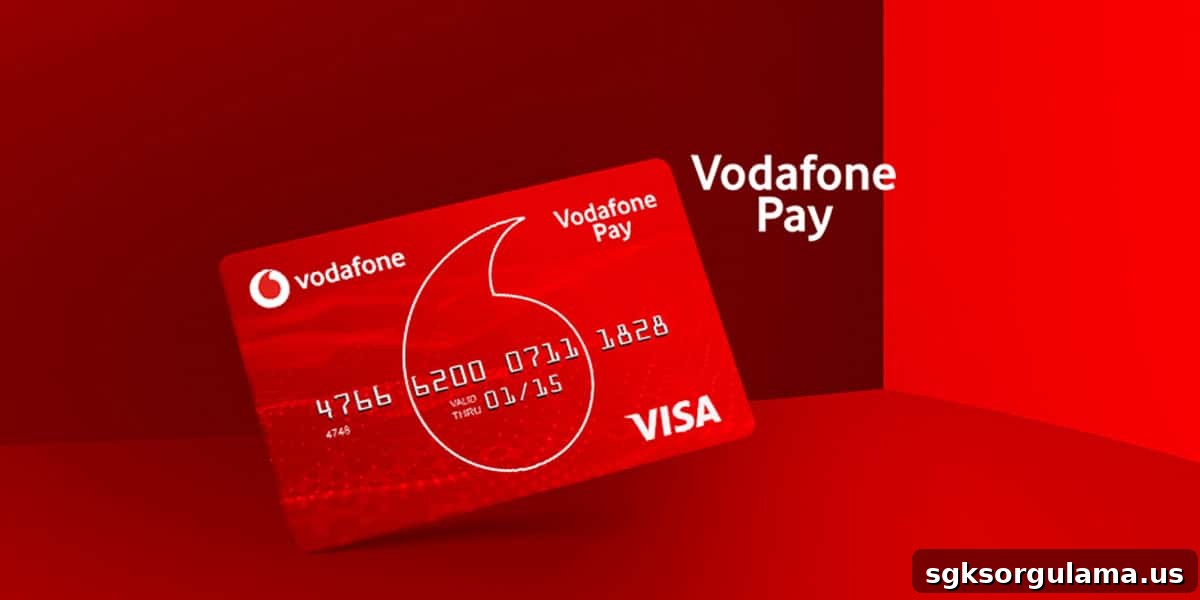
Vodafone Pay Card is issued as a virtual card automatically when you register in the Vodafone Pay app, and you may also request a physical card if you prefer. The virtual Vodafone Pay Card is available to every registrant and can be used for purchases up to the balance you load.
The physical Vodafone Pay Card can be obtained from Vodafone Stores for a small fee (typically 5 TL). It can be used for transactions that require a physical card, and anyone aged 12 or older can request one.

What Can You Do with a Physical Vodafone Pay Card?
In addition to the functions available with the virtual card, the physical Vodafone Pay Card supports several banking-style operations. All transactions possible with the virtual card can also be performed with the physical card. Additional uses for the physical Vodafone Pay Card include:
- Withdrawing and depositing cash at bank ATMs that accept the card,
- Paying in-store with the physical card during face-to-face purchases,
- Using the card on online sites and in stores that accept Visa payments.
Vodafone Pay Card Transaction Limits
Transaction limits for Vodafone Pay cards are set per single transaction, daily, monthly, and annually. Limits for balance top-ups, spending, and cash withdrawals are shown in the table below:
| Transaction | Single Transaction Limit | Daily Limit | Monthly Limit | Annual Limit |
| Balance Top-up | 1,250 TL | 1,250 TL | 1,250 TL | 15,000 TL |
| Spending | 1,250 TL | 1,250 TL | 1,250 TL | 15,000 TL |
| Cash Withdrawal | 500 TL | 500 TL | 500 TL | 500 TL |
How to Top Up Vodafone Pay Card Balance
You can top up your Vodafone Pay Card balance from any bank. Use a bank or credit card registered in the Vodafone Pay app, or make a transfer via your bank’s mobile or internet banking using EFT. For physical Vodafone Pay Cards, you can also top up at ATMs of participating banks.
How to Activate Vodafone Pay Card
Card activation can be completed through the app or by calling Vodafone Pay Support. In the app, use the “Add Physical Vodafone Pay Card” option to finalize activation successfully.
Is Vodafone Pay Mobile Payment Fee-Based?
Vodafone Pay mobile payment carries a membership fee of 5.49 TL every three months. Transactions made with virtual and physical Vodafone Pay cards are free, but mobile payment functionality is subject to a quarterly service fee of 5.49 TL. Membership fee periods are grouped as January–March, April–June, July–September, and October–December.