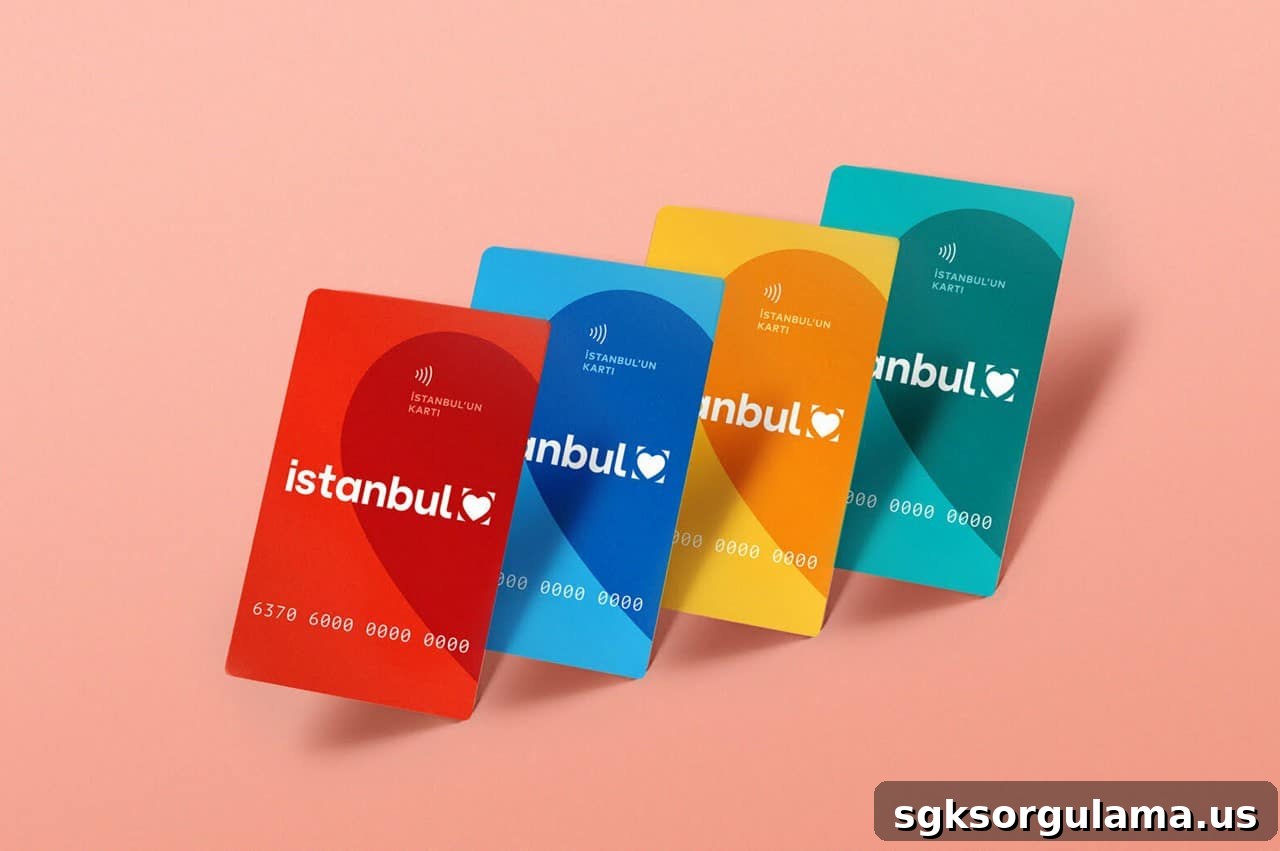
Linking Istanbulkart with a HES code lets you use public transportation. You cannot use public transit without first registering a HES code on your Istanbulkart. Follow the steps below to add a HES code to your Istanbulkart.
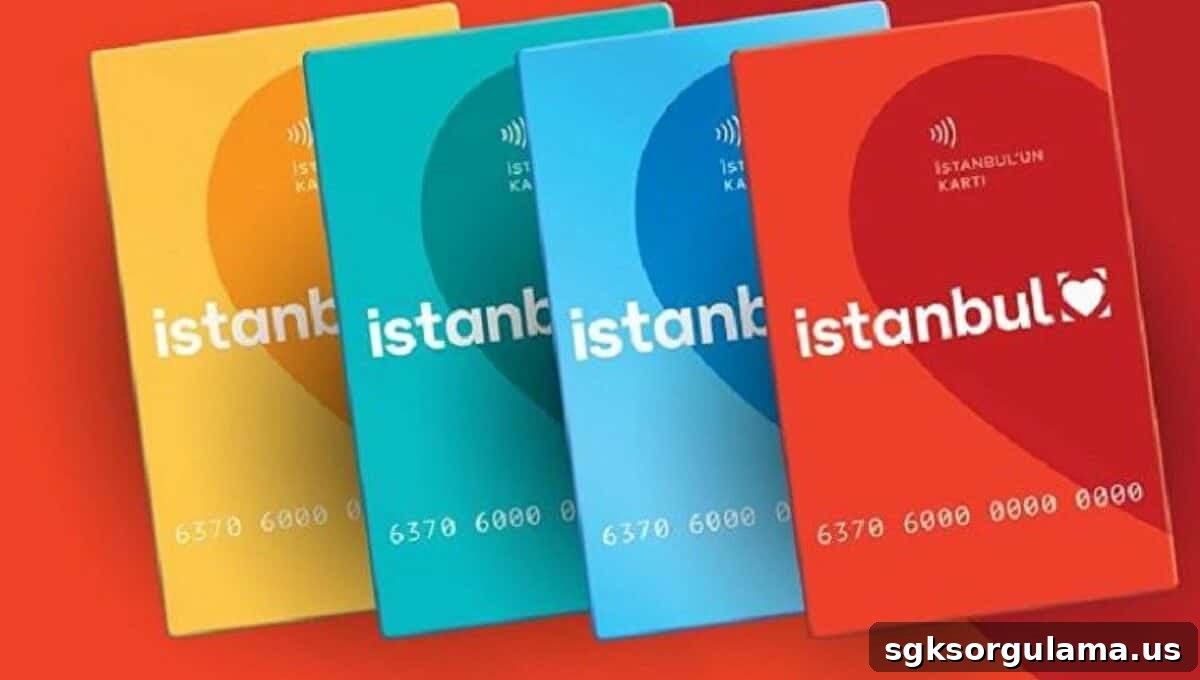
We have shared many updates about Istanbulkart previously. Istanbulkart offers several features and benefits. Some of our earlier posts covered topics such as:
- How phones will work as Istanbulkart devices in the city
- Istanbulkart interest-free credit application
- How to check your Istanbulkart balance
Istanbulkart, used across the Asian and European sides of Istanbul for daily travel, is provided by the Istanbul Metropolitan Municipality and is available for residents.
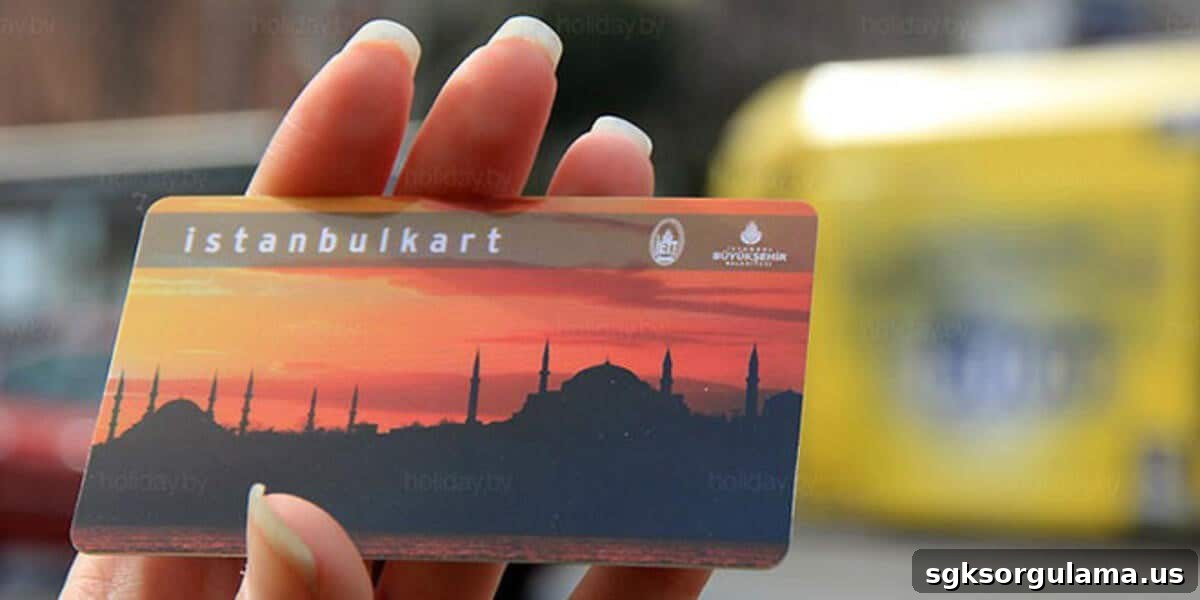
HOW TO LINK A HES CODE TO YOUR ISTANBULKART
Linking a HES code to your Istanbulkart is done online by completing the form on the municipality’s personalization page.
NOTE: To go directly to the Istanbulkart personalization page, visit the personalization portal.
How do I get a HES code?
If you do not have a HES code yet, you must obtain one through the Ministry of Health’s “Hayat Eve Sığar” app. That application will generate the HES code you need to register on your Istanbulkart.
To apply for a HES code online, use the official Hayat Eve Sığar HES page.
Hayat Eve Sığar mobile apps
- Android: available on Google Play
- iOS: available on the App Store
HOW TO REGISTER A HES CODE ON ISTANBULKART
Follow these steps to register a HES code on your Istanbulkart:
- Go to kisisellestirme.istanbulkart.istanbul.
- Enter the requested information accurately.
- Complete any verification prompts.
- Click the “Save” button to finish.
After these steps, your HES code will be linked to your Istanbulkart and the card will be valid for public transportation.
HOW TO ADD A HES CODE TO ISTANBULKART
The process to add a HES code to an Istanbulkart includes the following steps:
STEP 1: First, open kisisellestirme.istanbulkart.istanbul.
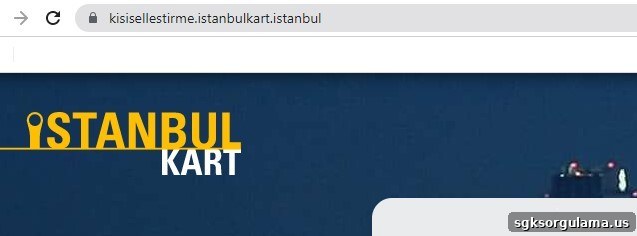
STEP 2: Select the “Istanbulkart” tab shown on the page.
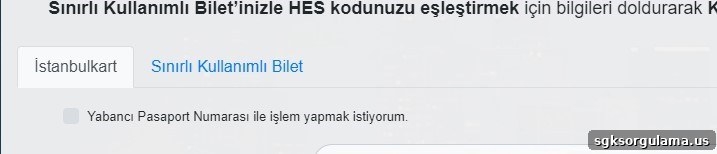
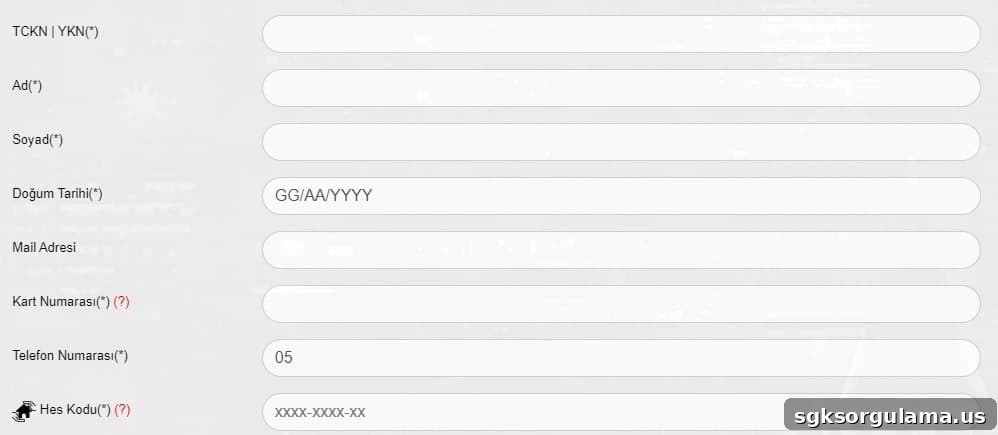
STEP 3: Enter the required information carefully.
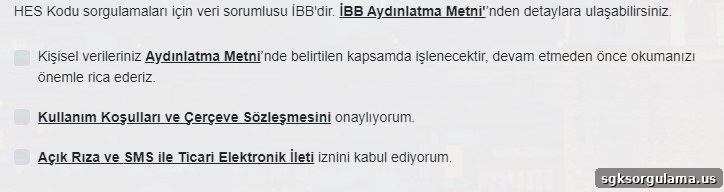
STEP 4: Enter the verification code exactly as shown.

STEP 5: Confirm the required declarations or consents.
STEP 6: Click the “Save” button.

Following these steps completes the Istanbulkart HES code linking process.
NOTE: You can complete all official Istanbulkart procedures on the card’s official website.
WHERE IS THE HES CODE REGISTRATION PAGE?
The HES code registration page for Istanbulkart is available at kisisellestirme.istanbulkart.istanbul. Visit that address to complete HES code registration steps.
What is the link to register a HES code?
The registration link is kisisellestirme.istanbulkart.istanbul. Use this link to link your Istanbulkart with your HES code.
HOW TO CHECK THE HES CODE REGISTERED TO YOUR ISTANBULKART
You can check the HES code linked to your Istanbulkart in three ways:
- In the Istanbulkart mobile app: open Settings and view the profile section to see the HES code assigned to your card.
- Online at bireysel.istanbulkart.istanbul: follow Settings – Profile – HES Code Operations to view it.
- At Istanbulkart sales and top-up points.
How to verify your HES code
You can verify your HES code using the mobile app, the official bireysel.istanbulkart.istanbul website, or at sales points. Choose the method that suits you best to confirm the code is correct.
I DON’T HAVE A HES CODE — HOW DO I GET ONE FOR ISTANBULKART?
You must obtain a HES code through the Hayat Eve Sığar application provided by the Ministry of Health. Istanbulkart apps or the official site do not issue HES codes; they only allow you to register an existing HES code. First generate the code via the Health Ministry app, then add it to your Istanbulkart.
HOW TO PERSONALIZE YOUR ISTANBULKART WITH A HES CODE
Personalization is done at kisisellestirme.istanbulkart.istanbul. Enter your HES code details there to use your Istanbulkart on public transport.
HOW TO ADD A HES CODE
Add the HES code on the kisisellestirme.istanbulkart.istanbul page by entering the HES code you received from the Hayat Eve Sığar app.
How to confirm the HES code
After entering the required information on kisisellestirme.istanbulkart.istanbul, click “Save” to confirm and register the HES code with your card.
CAN I MERGE HES CODES ON THE ISTANBULKART?
There is no “merge” function for HES codes. Istanbulkarts are personal, and a single HES code is linked to each card. You can manage HES code operations via the mobile app, the bireysel.istanbulkart.istanbul website, or at sales and top-up points. It is not possible to load a second HES code onto the same card.
CAN FOREIGNERS GET A HES CODE FOR ISTANBULKART?
Yes. Foreign nationals can obtain a HES code using passport details and then register it to their Istanbulkart.
How tourists can register a HES code:
STEP 1: Go to kisisellestirme.istanbulkart.istanbul.
STEP 2: Choose the option indicating you want to proceed with a foreign passport number.

STEP 3: Enter the required details correctly and click “Save.”
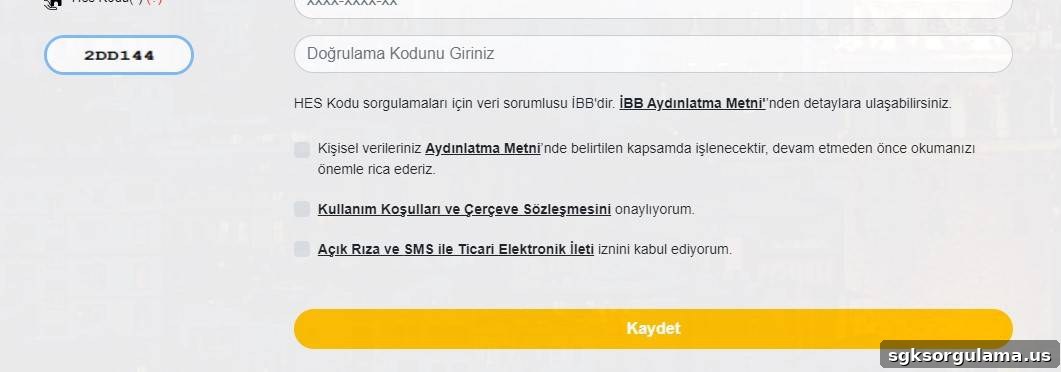
After these steps, you will have registered a HES code for a foreign user on the Istanbulkart.
HOW TO UPDATE YOUR HES CODE
You can update a HES code in two ways:
- In the Istanbulkart mobile app, open Settings and edit the HES code in your profile.
- On bireysel.istanbulkart.istanbul, follow Settings – Profile – HES Code Operations to change the code.
These methods allow you to update your HES code when needed.
HOW TO REMOVE A HES CODE FROM YOUR ISTANBULKART
You can remove a HES code by either using the mobile app (Settings) or visiting bireysel.istanbulkart.istanbul and following Settings – Profile – HES Code Operations. Deleting the HES code from these menus cancels it for your card.
ERROR WHEN LINKING HES CODE — WHAT SHOULD I DO?
If you receive an error while linking your HES code, contact customer service. For assistance, call the following lines:
- Individual customers: 153
- Corporate customers: 444 2 161
Call the appropriate number to speak with a service representative and report the issue.
Common causes of HES code linking errors
Errors can occur for several reasons, including:
- The Istanbulkart is not registered in your name
- The HES code does not belong to you
- The HES code is already linked to another card
- Another HES code is already registered on the Istanbulkart
- Incorrect HES code entry
Identify any of these issues and correct them to resolve the linking error.
Can I link a HES code by SMS?
No. You cannot link a HES code via SMS. Use the mobile app, the official website, or visit a sales point to register a HES code to your Istanbulkart.
Is a HES code mandatory for Istanbulkart?
Yes. Due to regulations, HES codes are required to use public transportation in Istanbul. You must register a HES code to use IBB public transit services.
How to activate a HES code
To activate your HES code, enter it through the mobile app or the personalization site and provide the required information accurately. Once saved, the HES code will be active for your Istanbulkart.
WHERE IS THE HES CODE APPLICATION?
The HES code personalization service is available at kisisellestirme.istanbulkart.istanbul. Enter the requested information there, or use the mobile app to manage HES code settings.
Is there a deadline to register a HES code?
There is no publicly announced deadline for registering a HES code. Since registration remains mandatory for using IBB public transport, make sure your HES code is added if you plan to use those services.
We will continue to share accurate updates about IBB services and related social assistance programs as new information becomes available.