
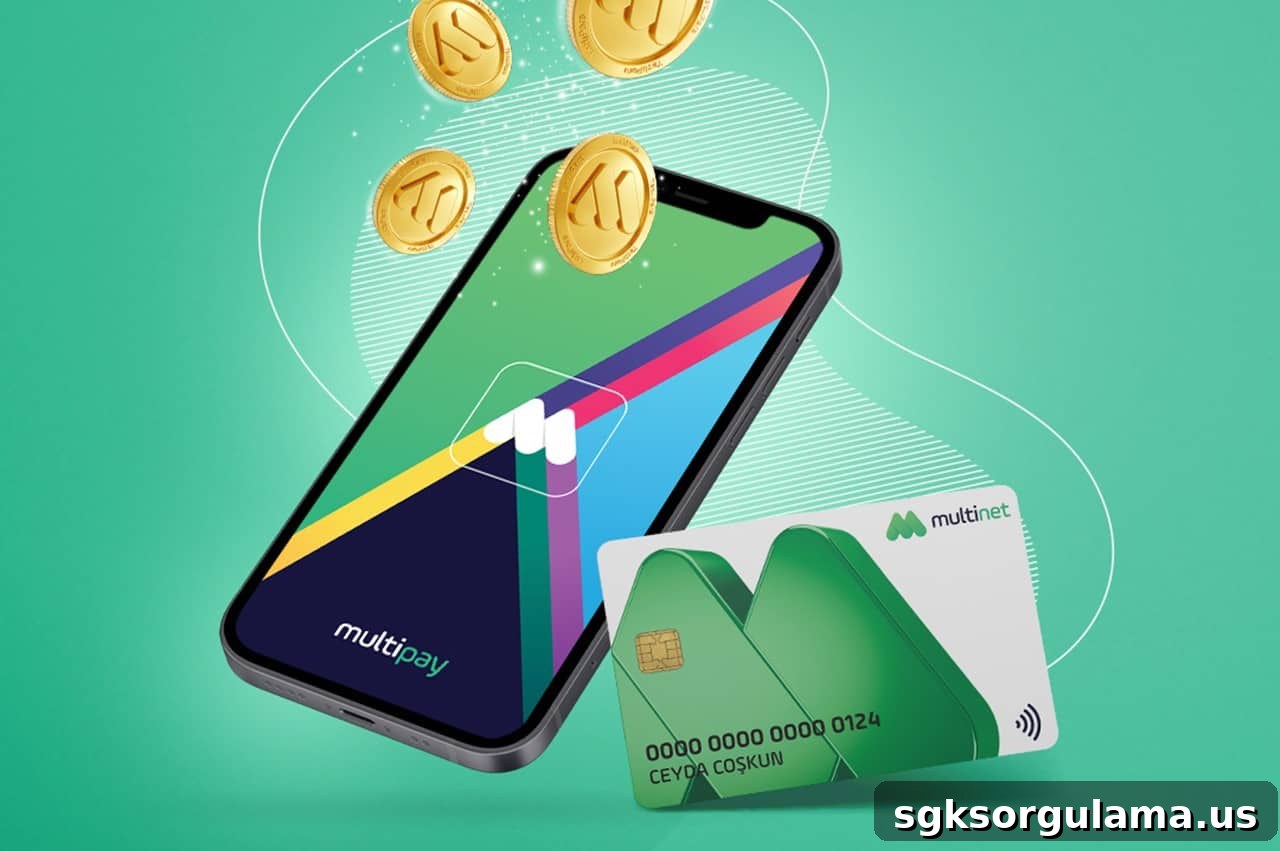
The Multinet card is a common employee benefit that makes meal expenses more convenient. The most frequently asked questions from card users are:
How can I check my Multinet balance?
Can Multinet card balance be converted to cash?
In this article, we explain the methods to check your Multinet balance and describe, in detail, indirect ways some users convert card balances to cash. The information is written clearly and concisely for practical use without unnecessary repetition.
Methods to Check Your Multinet Balance
There are three ways to find out how much balance is on your card. All methods are active and free as of 2025.
View Balance with the Multipay App
Multipay is Multinet’s official mobile app and the most convenient option.
Steps to use:
- Download the app from the App Store or Google Play.
- Select “Sign Up” and enter your name, national ID number, and phone number.
- Verify by SMS and register your card number.
- On the main screen you can see your real-time balance and recent transactions.
Additional feature: You can view “nearby places that accept Multinet” on a map.
Check Balance via the Website
This is the most practical method for desktop users.
How to do it?
- Go to multinet.com.tr.
- Log in through the “Card Transactions” menu.
- View your balance and previous purchases.
Check Balance Through Customer Service
This method remains valid for those who prefer not to use digital tools.
- 📞 Multinet Customer Service:
0850 250 20 20 - You will be asked for identity and card information.
- After security verification, your balance will be provided.
Registering Your Multinet Card in the App
If you received a new card or are using the app for the first time, you need to register your card in the system.
Steps required to register:
- Download the Multipay app.
- Tap the “Sign Up” section.
- Enter your details and complete SMS verification.
- Add your 16-digit card number.
- Set your password and sign in.
🔐 After registration you can track your balance, view real-time transactions and see participating merchants instantly.
Can the Multinet Card Be Converted to Cash?
Officially, it is not possible to withdraw cash from a Multinet card. However, some users manage to convert their card balance into cash through indirect methods.
These methods are indirect and generally carried out at the user’s own responsibility.
1. Exchanging Through Local Merchants (Common Method)
Some small businesses that accept Multinet, or merchants you know personally, may accept a card payment and give you cash in return.
How it works:
- The merchant processes a transaction as if a purchase were made with the card.
- A commission of about 5% to 15% is deducted.
- The remaining amount is handed to you in cash.
Note: This practice is generally not legal, though commonly used. It is recommended only with trusted parties.
2. Buying and Returning Items (Risky Option)
Some users buy items at stores that accept Multinet and then return them to receive cash.
Points to consider:
- Not all stores offer cash refunds after returns.
- Return policies vary between retailers.
- Frequent use of this method may flag your card for suspicious activity.
Real User Scenarios
Scenario: Ms. Ayşe — First Time Using the Card
Ms. Ayşe received a Multinet card from her new employer. She installed the Multipay app, registered her card, and set a password. After paying for lunch with the card, she immediately checked her remaining balance and transaction details in the app.
Scenario: Mr. Ali — Need for Cash
Mr. Ali had 1,200 TRY on his Multinet card. A cafe he knew accepted a card payment and charged a 10% commission, giving him 1,080 TRY in cash. Mr. Ali requested a receipt to document the transaction and ensure security.
Precautions When Converting Balance to Cash
- 🔒 Do not transact with strangers.
- 📉 Always confirm the commission rate in advance.
- 📄 Obtain a receipt if possible.
- ⚠️ Since transactions are recorded in the Multinet system, avoid misuse that could lead to penalties.
Can I withdraw cash directly from a Multinet card?
No. The card can only be used at participating merchants and cannot be withdrawn from ATMs.
Can I get cash at every location that accepts Multinet?
No. This depends entirely on the merchant’s discretion. Not every place that accepts Multinet will provide cash in exchange.
Is there a fee to check balance in the Multipay app?
No. Checking your balance is completely free via both the mobile app and the website.
Multinet-accepting stores and market listings may be available from various sources, but always verify with the merchant before attempting any transaction.