
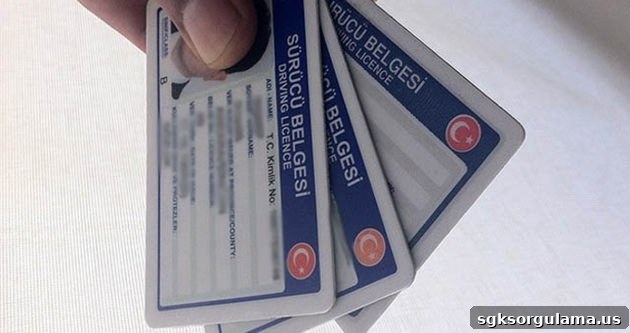
Many people take the driving license exam to obtain their license. Candidates sit the written exam, which is the first step in the licensing process, on the date and time set for the exam. To pass this test, candidates must score more than 70 points overall across topics such as engine knowledge and first aid. Candidates who do not achieve 70 or above cannot proceed to the second stage, the practical exam. Those who score 70 or higher are eligible to take the practical exam. For this reason, the first-stage exam is a crucial step and a source of anticipation for candidates.
Because of its importance, many candidates wonder when driving license exam results will be announced and where they can check their results. In this article we explain where and how you can access your driving test results. To view your results, simply follow the steps described below. Read on for a clear, step-by-step explanation of how to query your driving license exam results.
How Can I Check My Driving License Exam Results?
Many driving test candidates eagerly await their exam results. Candidates want to know their score and whether they qualify to move on to the required second stage. To view your driving exam results, first click the link provided below.
- Next, select the exam session that matches the date and time you took the test by clicking the corresponding exam results announcement.
- After that, enter your national ID number (TC identity number) in the first field. Then type the security code shown beside it into the empty box. Finally, click the “confirm” button. This completes the driving exam results query process.