

You can check your KentKart balance and load TL online in just a few simple steps. KentKart, provided by Kocaeli Metropolitan Municipality, allows you to travel on municipality-operated trams and buses. To use the card, it must have sufficient balance. Below you will find detailed information on how to check your KentKart balance and how to load funds.
Detailed instructions for the queries mentioned are also available on the municipality’s information pages. In the remainder of this article we explain KentKart balance checking and TL loading with step-by-step images. See the details below.
HOW TO CHECK KENTKART BALANCE?
- Go to ulasimpark.com.tr.
- On the homepage, open the top menus and select the “Kocaeli Kart” section.

- Click the “Kocaeli Kart Balance Inquiry” menu.
- On the screen that appears, enter the serial number printed on your card.
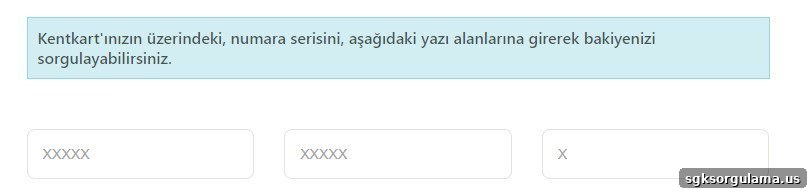
- Finally, click the “Query” button.

Follow these steps correctly to complete your KentKart balance inquiry.
HOW TO LOAD BALANCE ON KENTKART?
You cannot load balance directly through the municipality’s website, but you can add funds to your KentKart using the FastPay app.
To load KentKart balance, follow these steps:
- Download the FastPay app to your mobile phone.
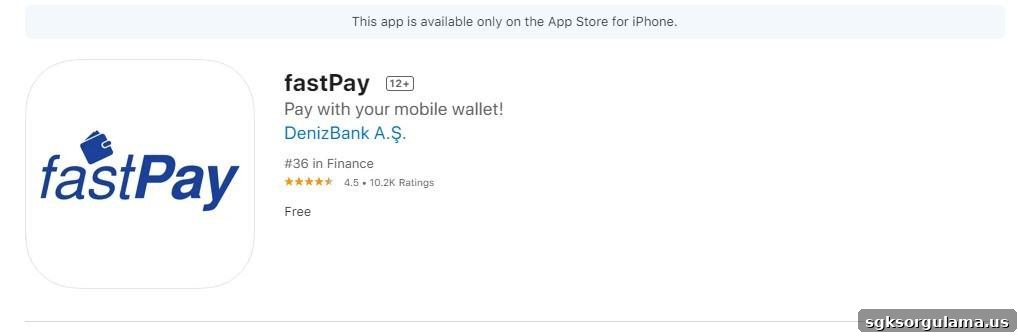
- On the app’s main screen, select “Wallet” and then choose “Add Card”.
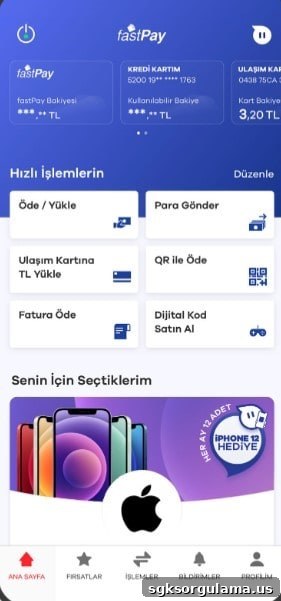
- Select the “Add Transport Card” option.
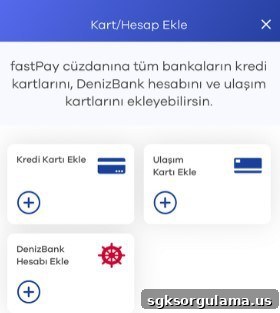
- Enter your card number.
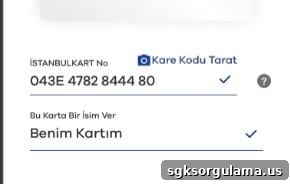
- Choose the amount you want to load and proceed with the payment.
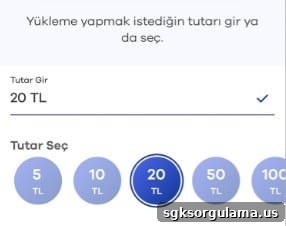
NOTICE: The system allows a maximum single load of 100 TL.
HOW TO REGISTER A HES CODE TO KENTKART?
- Go to hes.kocaeli.bel.tr.
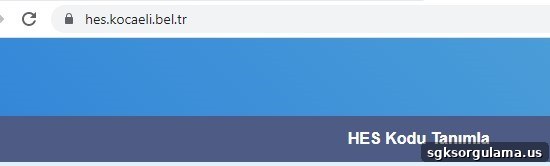
- Enter your HES code, Turkish ID number, and transport card information.
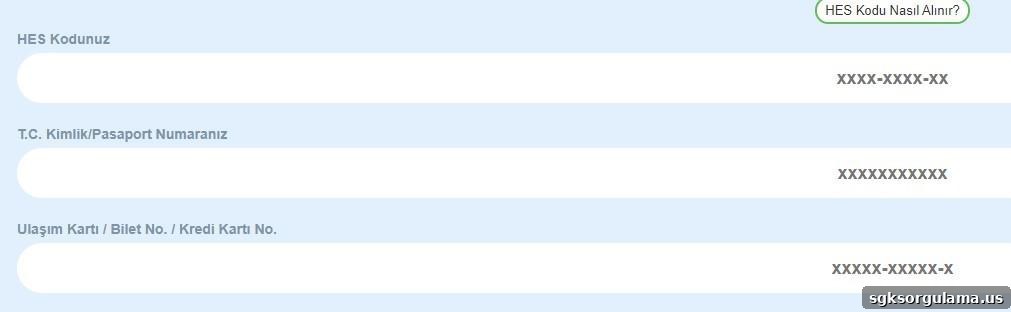
- Check the box confirming you have read the information note.

- Click the “Register” button to complete the process.

WHAT TYPES OF KENTKARTS ARE AVAILABLE?
KentKart offers cards tailored to different ages, professions, and statuses:
- Regular (Full)
- Student (Discounted)
- Press (Free)
- 24/7 Single Ride
- Teacher (Discounted)
- Municipal Employee (Free)
- 60+ (Discounted)
- 60+ (Free)
- Inspection Officer (Free)
- Security Services (Free)
- Companion of Disabled (Free)
- Disabled (Free)
- Veterans and Martyr Families (Free)
- Travel Allowance (Free)
- Trainee (Free)
- Postal Services (Free)
- TÜİK (Free)
You can review who is eligible for free transportation on the municipality’s information pages.
HOW TO APPLY FOR A KENTKART?
KentKart applications are made through municipal offices and authorized dealers; there is no online application for new cards. If you want to find the nearest application point, consult the municipality’s dealer information.
HOW CAN I CHECK TRAM, BUS, AND FERRY SCHEDULES?
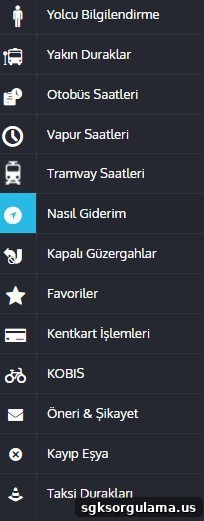
If you plan to travel with KentKart and need tram, bus, or ferry schedules, visit the municipality’s e-mobility portal. There you will find timetables, route guidance, and all the transport-related details you may need.
Below are additional related query topics you may find useful:
- Vehicle Damage Record by Plate Inquiry
- Social Security (SGK) Work History Statement
- Government Electricity Support and Financial Aid Applications
- SGK Sick Leave Payment Inquiry
- Traffic, EDS and Speeding Fine Inquiry by Plate
If you have questions, feedback, or suggestions about KentKart balance inquiry and TL loading, please leave them in the comments section below. The site administrator will respond to your comment as soon as possible.