

Plate-based traffic fine inquiries are handled through several integrated channels. Traffic fine checks can be completed using different information via the General Directorate of Security (EGM), the e-Government portal, or the Revenue Administration (GİB) websites. Even if the notification for a fine issued to your vehicle has not arrived at your address, it is important to check regularly.
This is especially important because a 25% discount applies to fines paid within 15 days following the notification date. Unpaid traffic fines can also block transactions such as selling the vehicle or completing its inspection.
Sites for Checking Traffic Fines
Sites where you can learn about traffic fines are digital services that let you check debts by vehicle plate or by the traffic report number. To find any fines registered to your vehicle, you can use the websites of the following institutions:
- E-Government Portal (e-Devlet)
- Revenue Administration (GİB)
- General Directorate of Security (EGM)
- Banks’ mobile or internet banking services
Checking Traffic Fines by Plate
There are several ways to learn about a fine using the vehicle plate. The channels and the required information for each method are described below:
- Viewing Traffic Fines via Interactive Tax Office (İnteraktif Vergi Dairesi)
On the internet tax office you can search by national ID (T.C. identity number) and vehicle registration details, or use the fine report serial number to query a traffic debt. The İVD also allows payment of fines by credit card directly from the site.
- Viewing Traffic Fines via e-Devlet
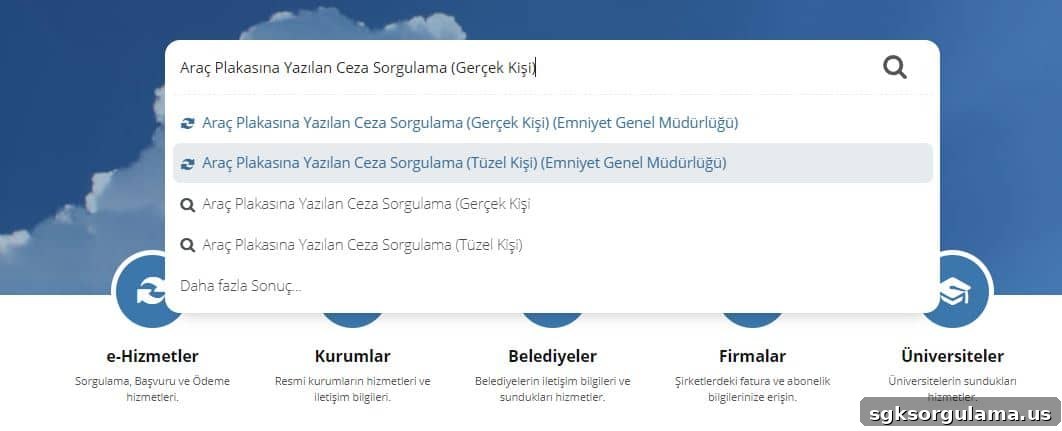
On e-Devlet, traffic fines are accessible under the “General Directorate of Security” service section via two separate pages. Individuals use the “Vehicle Plate Fine Inquiry (Real Person)” page, while legal entities use the “Vehicle Plate Fine Inquiry (Legal Entity)” page under the EGM services.
- Viewing Traffic Fines via Internet and Mobile Banking
Digital banking channels let you view and pay traffic fines. After logging into your bank’s internet or mobile banking, go to the “Payments” menu and select options such as “Taxes, Fines and Enforcement” or “Traffic Fine Payment.” From there you can query any fines and complete payment immediately by credit card or available account balance.
Vehicle Traffic Fine Inquiry
To learn about a vehicle’s traffic fines, you can use the following options:
- Through e-Devlet: EGM’s service sections provide separate “Vehicle Plate Fine Inquiry” pages for individuals and legal entities.
- Via the Revenue Administration (GİB): Queries can be made using your national ID or the vehicle plate.
- Through EGM’s online transactions: Both individuals and legal entities can view fines registered to a plate.
- Using your bank’s mobile or internet banking to query and pay any outstanding fines.
Gib.gov.tr Traffic Fine Inquiry
GİB’s fine inquiries can be made using either the national ID or the vehicle plate. On the Revenue Administration page, access the “MTV and Traffic Fine Payment” menu to use the available methods to view and pay fines. The system asks for details such as ID or tax number, vehicle plate, registration date, ownership document date and a security code to complete the query.
- Viewing Fines with National ID (T.C.)
To check fines via GİB with your national ID, use the appropriate section and enter your T.C. identity or tax number, the vehicle plate, whether it is a special plate, registration date, ownership document date, and the displayed security code, then click “SORGULA” to retrieve information.
- Viewing Fines with Vehicle Plate
For plate-based queries on GİB, select the “Declared or Report Serial-Sequence No with TPC Payment” section. Choose whether you want to query by TCKN/VKN or by plate, enter the traffic report serial/sequence number as required, and click “SORGULA” to complete the search.
Checking Traffic Fine Debts on e-Devlet
e-Devlet offers traffic fine searches via two separate services. You will need your national ID and an e-Devlet password. If you do not have an e-Devlet password, you can obtain one from the nearest PTT branch for a small fee and then proceed to the inquiry pages.
- Individuals: Viewing Traffic Fines
Individuals can reach the relevant page via the EGM vehicle plate fine inquiry link. Click “Verify My Identity Now,” then sign in with your T.C. identity number and e-Devlet password to view fines registered to a vehicle plate.
- Legal Entities: Viewing Traffic Fines
Legal entities can use the EGM vehicle plate fine inquiry page for organizations. After signing in with “Verify My Identity Now” via e-Devlet, you can access information on fines written to vehicle plates owned by the entity.
EGM Traffic Fine Debt Inquiry
EGM’s “Fine Inquiry” page provides separate options for individuals and legal entities. Choosing the appropriate section and authenticating via e-Devlet will display any traffic fine debts associated with the vehicle plate.
Can You Query Traffic Fines Using Your National ID?
Yes. There are channels that allow querying traffic fines with a national ID, though some require additional information. Channels that accept T.C. identity number include:
- e-Devlet: With your T.C. number and e-Devlet password you can view fines.
- EGM Online Services: Query using T.C. number and e-Devlet authentication.
- GİB: With T.C. number plus vehicle registration details or the traffic report serial number you can access fine information.
Can You Object to a Traffic Fine?
Objections to traffic fines are possible within 15 days of the notification date. To benefit from the 25% early-payment discount while still objecting, you should pay the fine first and then apply to the Criminal Court of Peace (Sulh Ceza Hakimliği). If your objection is later accepted, you may receive a refund of the amount paid.
Can a Vehicle with Traffic Fine Debts Book an Inspection Appointment?
Outstanding traffic fines can prevent vehicle inspection. TÜVTÜRK inspection stations check whether a vehicle has unpaid taxes or fines. You should check and pay any outstanding traffic fines before scheduling an inspection appointment.