
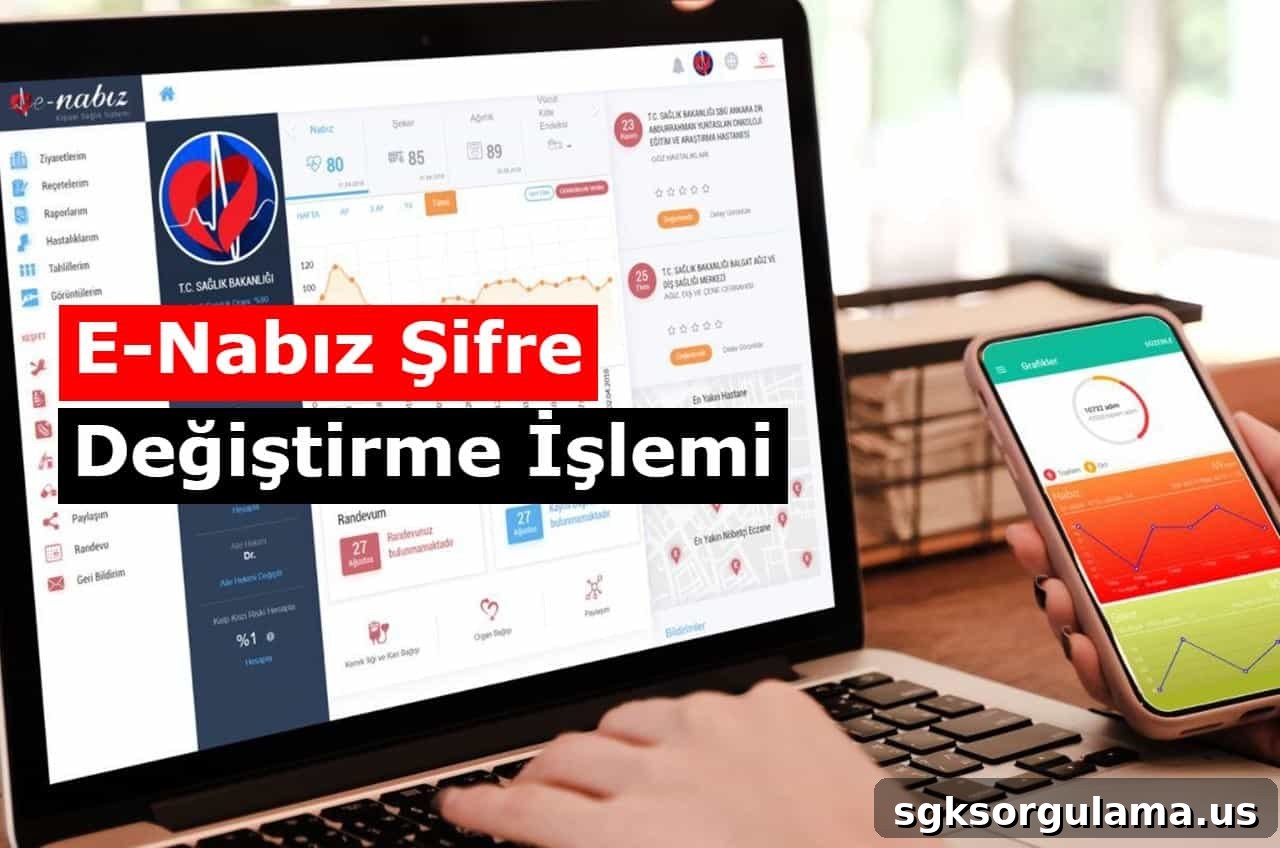
Those who forget their e-Nabız password can access the system via SMS verification and set a new password. The e-Nabız platform stores all information related to examinations, tests and treatments. Operated by the Ministry of Health, the system records treatments carried out in both public and private hospitals.
The e-Nabız platform, built on Turkey’s most extensive health IT infrastructure, allows secure access and quick review of past health records. New users can register easily using their e-Devlet credentials or through their family physician. Passwords can be changed at any time, and a new password can be requested if the current one is forgotten.
What to Do If You Forget Your E-Nabız Password
If you forget your e-Nabız password, follow these steps:
- Go to the e-Nabız website.
- On the homepage click the button to sign in with your e-Nabız password.
- A page opens to sign in with your Turkish ID number (T.C. identity number) and e-Nabız password. Click the “I forgot my password” button next to the login button.
- Enter your T.C. identity number and the phone number registered in the system, then click the button to send an SMS confirmation.
- Enter the verification code sent to the registered phone number. After entering the correct code, a temporary e-Nabız password will be sent by SMS; use this temporary password to sign in to the system.
- After signing in with the temporary password, you can set a new permanent password.
How to Change Your E-Nabız Password
One-time codes provided by family physicians are single-use, so users who receive such a code must change their password after logging in.
Steps to change your e-Nabız password:
- Visit enabiz.gov.tr.
- Click the “I forgot my password” section on the page that opens.
- Enter the phone number and T.C. identity number registered in e-Devlet or e-Nabız.
- Enter the one-time password sent to your phone on the screen.
Change E-Nabız Password
Use the code sent to your phone to set a new e-Nabız password.
Why Is the E-Nabız Password Important?
The e-Nabız platform contains a user’s medical history, personal health records, personal data, analyses, documents, reports, diagnoses, prescriptions, medications and hospital visits. Because it holds sensitive personal information, the system emphasizes security and is protected by passwords. Users are advised not to share their passwords with others.
No one can change a user’s e-Nabız password without the T.C. identity number and access to the registered phone number. For this reason, it is important not to share your T.C. identity number with others and to avoid easily guessed passwords so that personal health information remains secure.
How Can You Log In to the E-Nabız System?
There are four ways to log in to e-Nabız:
- Sign in with your e-Devlet credentials, then access e-Nabız through e-Devlet.
- Log in directly using an electronic signature (e-signature).
- Use the family physician login option.
- Sign in with an existing e-Nabız password.