
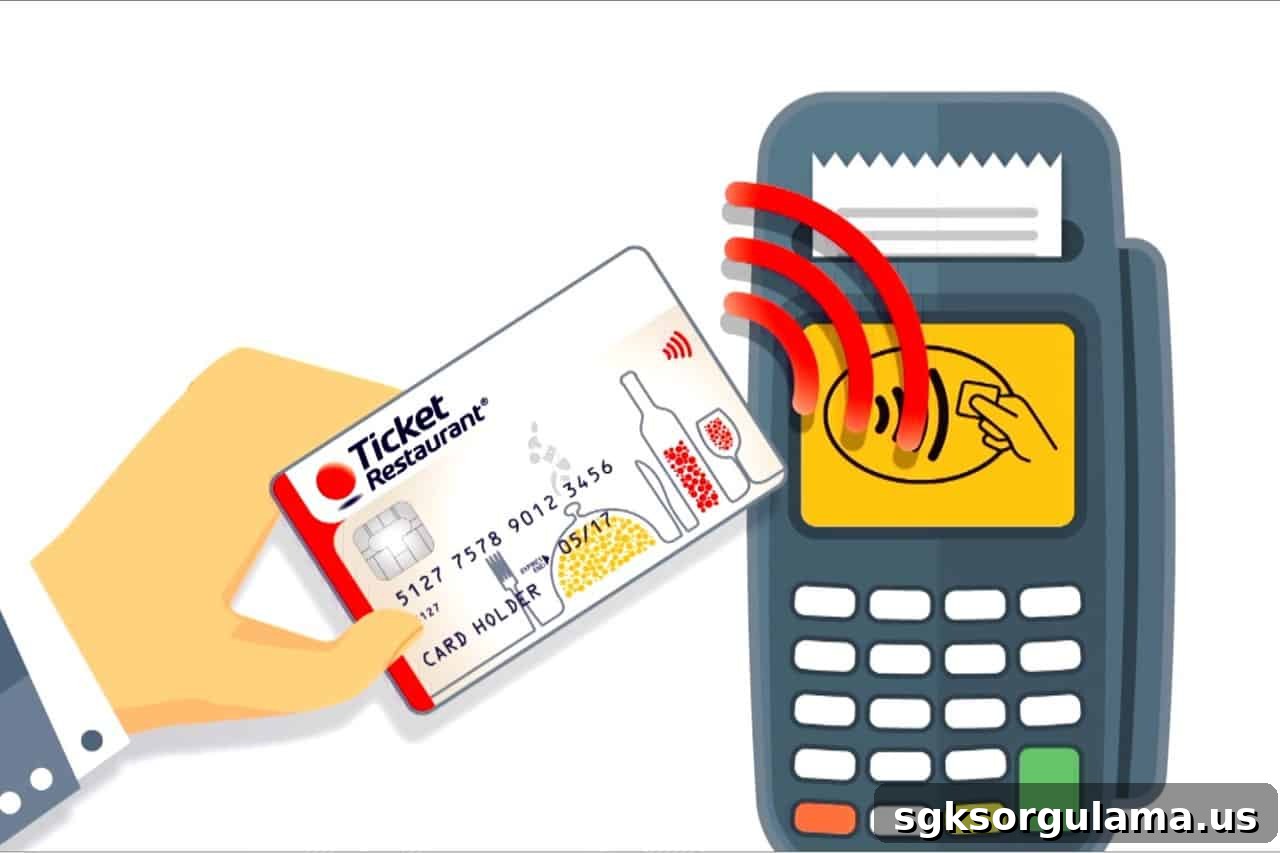
Ticket card balance refers to the usable amount loaded onto employee meal cards. These cards, issued by brands such as Sodexo, Multinet, Setcard and Metropol, are accepted at supermarkets, restaurants and cafes. Cardholders regularly check their balance to see how much they have spent and how much remains on the card.
Although Ticket cards are designed for meal expenses, many users seek ways to use the funds for other purposes. As a result, methods to convert the card balance to cash are often discussed. Officially these cards are not intended for cash withdrawal, but some indirect methods can make cash access possible. These approaches should be used with caution and within legal boundaries.
What Is a Ticket Card and Where Can It Be Used?
A Ticket card is an electronic payment card provided by employers to support employees’ meal expenses and is accepted at specific businesses. In Turkey, these cards are commonly issued by companies like Sodexo, Multinet, Setcard, Metropol and Edenred. Employers load a set amount onto the cards each month to help cover staff meal costs.
Places Where Ticket Cards Are Accepted
- Restaurants, diners, cafes and fast-food chains,
- Markets, supermarkets and delicatessens,
- Kiosks, tea houses and workplace canteens,
- Some food delivery platforms that accept the cards,
- Partner bakeries and patisseries.
Because Ticket cards function like a cash alternative for food purchases, they add convenience to everyday spending. Users complete purchases by tapping or inserting the card at a POS terminal. However, these cards are typically not valid for certain categories such as alcoholic beverages, electronic devices, or tobacco products. Each issuer lists partner merchants on its website, so checking accepted locations before shopping can be helpful.
How to Check Ticket Card Balance
Ticket card balance checks inform users how much money remains on their cards. Each card provider offers its own balance inquiry methods. Common channels include mobile apps, SMS, customer service or the provider’s website.
Check via Mobile App
- Download the relevant mobile app (for example, “Ticket TR”).
- Log in using your national ID number or email address.
- Open the “My Cards” or equivalent menu.
- The card balance will be displayed under the card details.
Check via Website
- Visit the issuer’s official site, such as www.edenred.com.tr.
- Click the “My Account” option in the site header.
- After logging in, your card balance is usually shown on the account homepage.
Check via SMS
- Open your phone’s messaging app.
- Send an SMS in the format: “BALANCE (space) last 6 digits of card number” to the designated short code (for example 3347).
- You will receive a reply with your remaining balance shortly.
Check via Customer Service
- Call the issuer’s call center at the official number (for example, Edenred: 444 22 66).
- Follow the IVR prompts and enter your card number to hear balance details.
Can You Withdraw Cash with a Ticket Card?
Direct cash withdrawal with a Ticket card is not possible. These cards are legally intended only for meal purchases and cannot be used at ATMs or for cash withdrawals. Still, some people attempt indirect methods to convert the balance to cash.
Why Cash Withdrawal Is Not Possible
- Cards are authorized only for payments via POS terminals.
- They are not integrated with banking systems and thus are incompatible with ATMs.
- Regulations restrict these cards to specified sectors and uses.
Indirect Methods People Try
- Buy high-value items at partner stores and then request a cash refund,
- Exchange card balance for cash through individuals advertising this swap on social media or locally,
- Use the card balance for purchases while receiving payment back via bank transfer (IBAN).
These approaches are generally not official or legal. Cardholder agreements typically prohibit such transactions. If detected, consequences can include card cancellation, employment disciplinary action, or legal penalties.
Can You Use a Ticket Card for Online Shopping?
Although the Ticket card is mostly used with physical POS terminals, it can be valid for some online orders depending on the card brand and partner merchants. For example, users of Ticket Restaurant (Edenred) may have limited online options.
Online Usage Possibilities
- Some online food platforms like Yemeksepeti or GetirYemek may accept the card at participating restaurants.
- Orders may be placed through the issuer’s own app from partnered restaurants.
- Certain corporate meal providers integrate payment with Edenred or similar services.
Limitations for Online Use
- Card details are not generally accepted directly on standard e-commerce payment pages.
- There is typically no virtual card feature, so the card cannot be used like a credit card for most online shopping.
- Only platforms integrated with the issuer’s payment system can process online payments with the card.
Ticket cards are not valid for general e-commerce purchases or for product categories such as electronics, clothing or general retail. Their use remains largely focused on physical food and dining services.
Can You Buy Alcohol, Tobacco or Electronics with a Ticket Card?
The Ticket card is intended solely for meal-related expenses. Accordingly, purchases of certain product groups are explicitly prohibited by issuer policies and card agreements.
Products Not Purchasable with Ticket Cards
- Alcoholic beverages,
- Tobacco products (cigarettes, hookah tobacco, etc.),
- Electronic devices (phones, headphones, computers, accessories),
- Cosmetics (makeup, perfume, etc.),
- Stationery, clothing and housewares,
- Cleaning products and detergents,
- Construction materials or durable consumer goods.
System-Level Restrictions
- POS systems are configured to block payments for excluded product categories,
- Merchants cannot bypass these restrictions by mislabeling products,
- Only food and directly meal-related items are allowed on the card.
When shopping at a supermarket or restaurant, keep restricted items separate from eligible food purchases; otherwise the payment may be declined.