
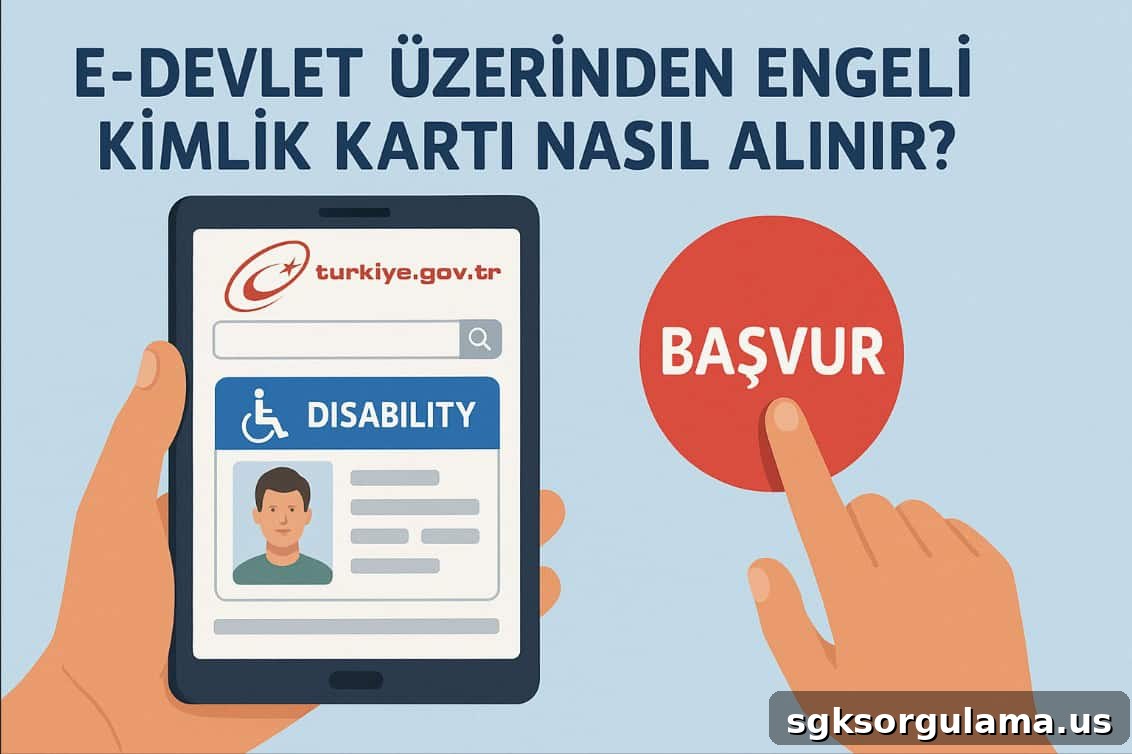
Disability identity card is an official document that provides disabled individuals with easier access to public services and social rights. With this card, holders can benefit from privileges such as free or discounted public transportation, tax advantages, and additional support in education and healthcare. Applying through the e-Government (e-Devlet) portal streamlines the process by reducing the complexity of paper-based procedures and speeds up approvals.
To apply for a disability identity card, there must be a valid disabled health board report registered in the system. Once the report is uploaded, the remaining application steps can be completed digitally through the e-Government platform.
E-Government Disability Identity Card Application Requirements
Applications for a disability identity card can be made through the e-Government system by individuals who meet certain basic conditions. Fulfilling these requirements is mandatory to complete the application successfully. Applicants should first verify that their existing disabled health board report is recorded in the system.
Conditions Required for Application
- Possession of a valid disabled health board report.
- The report must be processed in the e-Government system.
- The applicant should be over 18 years old or represented by a legal guardian.
- Active access credentials for the application, such as e-Government password, mobile signature, or electronic signature.
- The applicant must be a citizen of the Republic of Turkey.
During the application, the system automatically checks these requirements. If an applicant does not meet the conditions, the process will not continue and guidance is provided on the information screen.
Registering the Disabled Health Board Report in the e-Government System
The presence of the disabled health board report in the system is the foundation for any e-Government disability ID application. If the report is not visible digitally, you cannot proceed with the card application. Therefore the report must first be entered into the Ministry of Health database and then transferred to the e-Government system.
How to Check If the Report Appears in the System
- Log into the e-Government portal.
- Type “Disabled Health Board Report Inquiry” into the search bar.
- The screen will list the person’s valid report recorded in the system.
- If the report is not visible, contact the issuing hospital or the provincial health directorate.
What to Do If the Report Is Not in the System
- The report approval process may not yet be complete.
- The hospital might not have uploaded the data to the digital system.
- Incomplete or incorrect document entry can prevent the report from appearing.
In such cases, contact the relevant health institution and request that the report be entered into the system. Once the report is uploaded, you can continue with the identity card application steps.
Required Documents and Information for the Disability Identity Card Application
Although some information is automatically pulled into the digital application, applicants must provide certain documents and details to ensure the card is printed with accurate information and the application completes without problems.
Documents and Information Needed
- A valid disabled health board report (if it already appears in the system, presenting the physical document is not necessary).
- Turkish ID number and active access to e-Government (password, mobile signature, or e-signature).
- A recent biometric photograph (white background, clear view of the face).
- Residence address information (typically fetched automatically from the system).
- Preferred delivery location for the card (commonly the nearest PTT branch).
In some cases, the system will request that you upload a photograph. This is a required step for card production. If the uploaded image does not meet standards, the application may be rejected.
Step-by-Step e-Government Application Process for the Disability Identity Card
The process for applying for a disability identity card through the e-Government portal has been simplified so it can be completed in minutes. It is important to follow each step carefully to ensure the application is successful.
Application Steps
- Log into the e-Government system. Use your Turkish ID number and password or sign in with mobile/e-signature.
- Enter “Engelli Kimlik Kartı Başvurusu” in the search bar. The service will appear and the application form will open.
- The system will automatically display your existing report information. If the information is correct, click “continue” to proceed.
- Review personal information. Name, surname, date of birth and address are automatically populated. Confirm the details.
- If required, upload a photograph. The system may request a biometric photo in the correct format.
- Select the delivery address or preferred PTT branch for pickup.
- Click “Complete Application” to finish. The system will confirm receipt of the application and generate a tracking number.
After completing these steps, the evaluation and card printing process begins.
Application Evaluation and Card Production
Once the disability identity card application is submitted, the provided information is reviewed and verified by the relevant authorities. The compatibility of the health report and the entered data is checked. If there are no errors or omissions, the application moves to the production stage.
Evaluation Process
- Following the application, the Ministry of Family and Social Services or authorized units perform the necessary checks.
- The system verifies the validity of the report, personal details, and photo suitability.
- If information is incomplete or incorrect, the application is not automatically canceled; the applicant receives a notification to make corrections.
Card Production
- Once verified, the information is sent to the disability identity card printing center.
- The card is prepared according to the details provided during application.
- After printing, the card is handed over to PTT to be sent to the selected delivery location.
Production and delivery usually take between 5 and 15 business days, depending on application volume and operational conditions at the time of request.