

Registering with İŞKUR consists of a few simple steps. By creating an İŞKUR membership, you can apply to all job postings published on the site. We prepared the answer to the question “How to register with İŞKUR?” for SGK Haber. If you are looking for a job and want to apply to vacancies posted on İŞKUR, follow the steps below to create your İŞKUR account easily.
On SSK.biz.tr we have previously shared many articles about İŞKUR:
- İŞKUR TYP
- İŞKUR job seeker registration certificate
- İŞKUR unemployment benefit
- İŞKUR trainee allowances
You can find these and other İŞKUR-related information in the İŞKUR category on our site. With the registration steps we describe today, you can create your profile. By creating your İŞKUR profile, you can apply to the jobs you want.
HOW TO REGISTER AS A JOB SEEKER ON İŞKUR ONLINE?
- Go to the official İŞKUR website. (You can click here.)
- From the menus at the top, click the “Job Seeker” section.
- From the subcategories, click “Register.”
- You will be redirected to the “Registration Section.”
- Click the “Sign Up” button.
- Approve the membership agreement that appears by clicking “I Agree.”
- Fill in the requested information completely and check the “I have read and agree” box.
- Finally, click the “Next” button to complete your registration.
STEP-BY-STEP ILLUSTRATED GUIDE FOR JOB SEEKER REGISTRATION
Step 1: Go to https://esube.iskur.gov.tr/.
Step 2: Click the “Sign Up” button on the page.
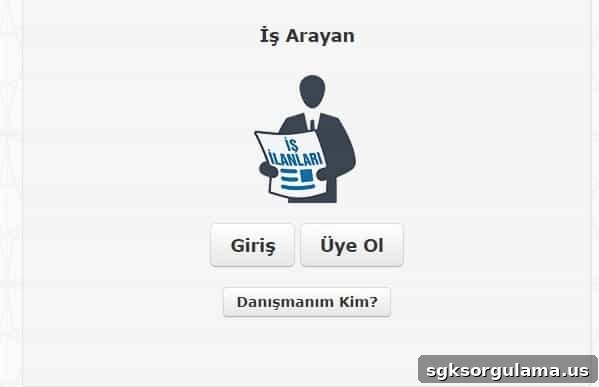
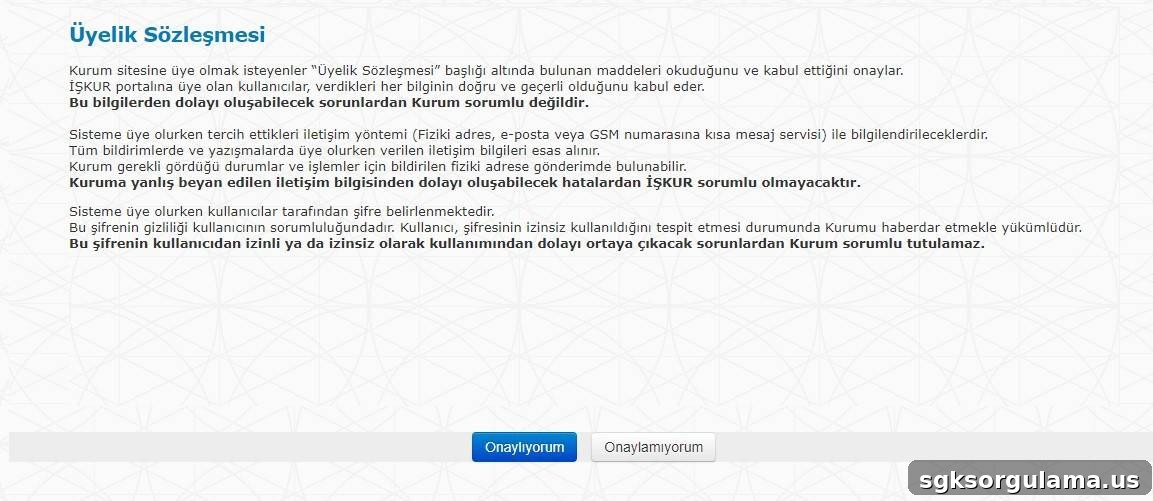
Step 3: A membership agreement will appear. Read and approve the agreement.
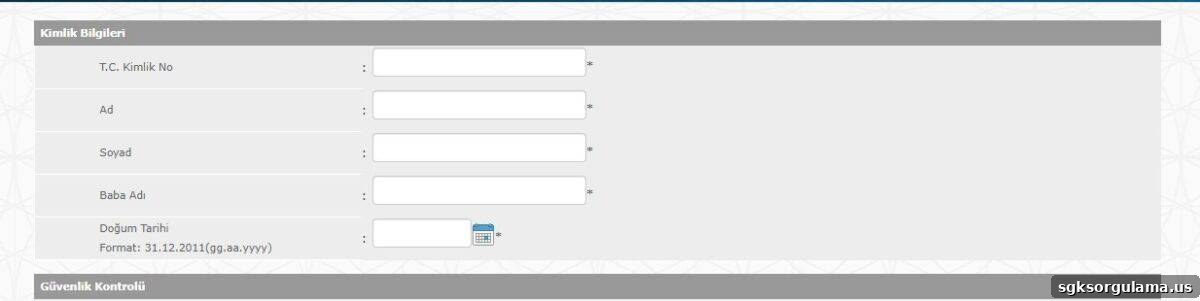
Step 4: Enter your identification details accurately.
Step 5: Enter the CAPTCHA or security image code in the appropriate field.

Step 6: After reading the agreement, check the “I have read and agree” box.
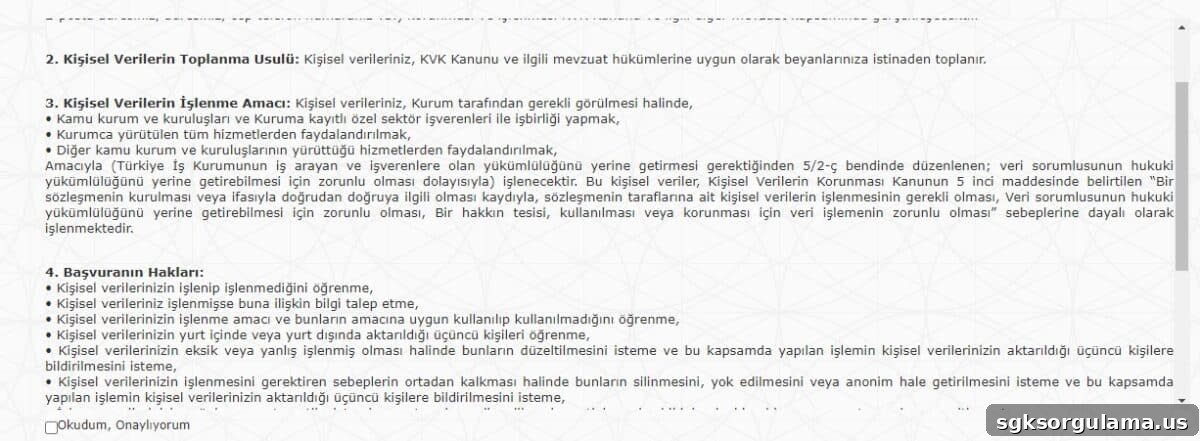
Step 7: When all information is correct, click the “Next” button.

After this, you will be asked to enter work experience and other career details. Once you provide that information, your İŞKUR profile will be created.
HOW TO REGISTER AS AN EMPLOYER ON İŞKUR ONLINE?
- Go to https://esube.iskur.gov.tr/.
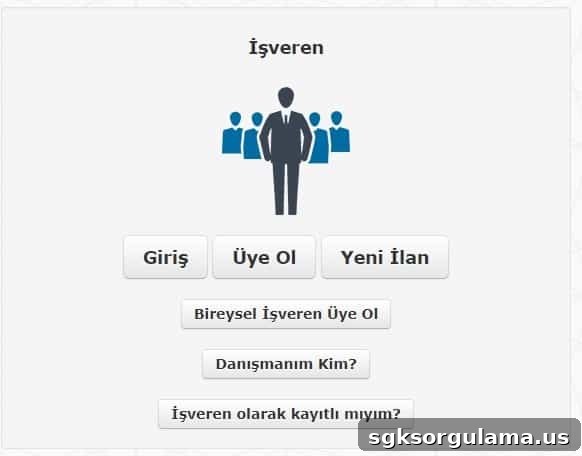
- In the Employer section, click the “Sign Up” button.
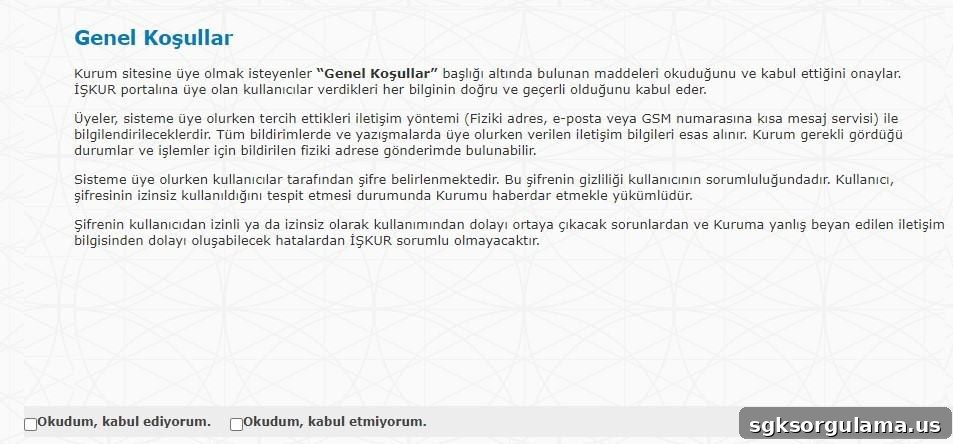
- On the “General Terms” page, read the terms and check “I have read and agree.”
- On the next page, complete the “Legal Entity Information” accurately and completely.
- After filling in the information, click “Next.”
- On the following screen, complete the fields under “Authorized Person Information” to finish your registration.
STEP-BY-STEP ILLUSTRATED GUIDE FOR EMPLOYER REGISTRATION
Step 1: Go to https://esube.iskur.gov.tr/.
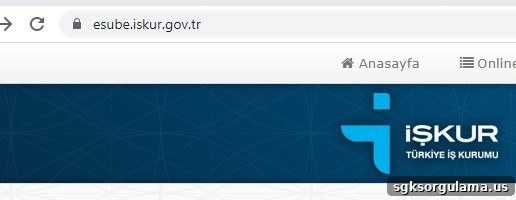
Step 2: From the page that appears, click “Sign Up” under the Employer section.
Step 3: The “General Terms” page will appear. Read and accept the terms on this page.
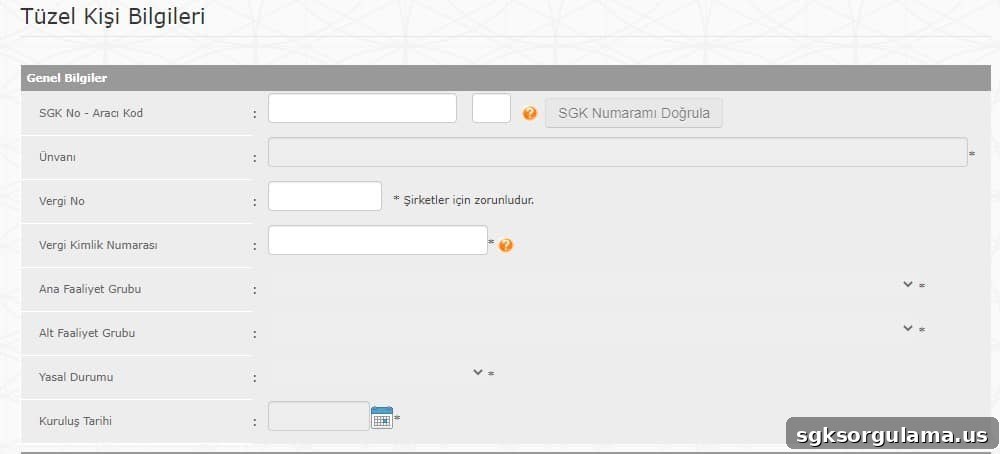
Step 4: Enter the general information about your company.
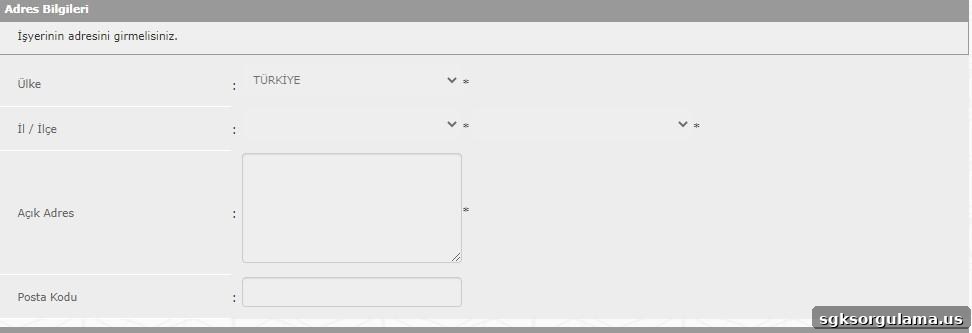
Step 5: Enter your company’s address details.
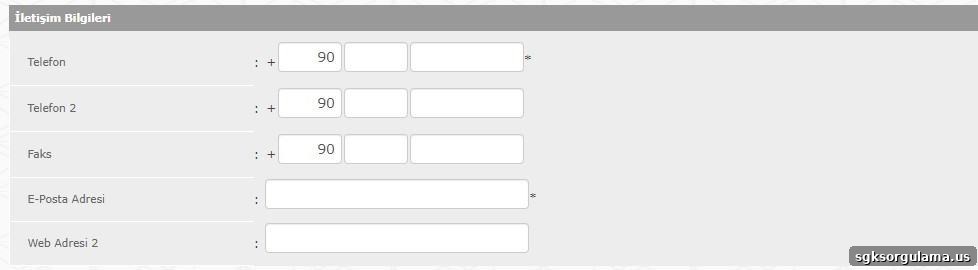
Step 6: Enter your company’s contact information.
Step 7: After confirming all information is complete, click the “Next” button.

Step 8: After completing the authorized person’s information, your employer profile will be created.
WHAT ARE THE ADVANTAGES OF REGISTERING WITH İŞKUR?
İŞKUR offers many benefits for both job seekers and employers. Employers who hire staff through İŞKUR may receive support such as insurance contributions and wage subsidies, while job seekers can access financial assistance, vocational training courses, and other supports.
We have covered İŞKUR’s services, supports, and assistance in more detail in previous articles. You can find more information in related posts listed below.
- Ilave employment incentive credit
- Unemployment benefit calculation
- Short-time working allowance
- Job opportunities for women
- Social work programs
- Support for laid-off workers
For more information about the assistance and programs provided by the institution, visit the İŞKUR category on our site. If you have already created an İŞKUR account and want to learn how to apply for jobs, you can learn more on our site.