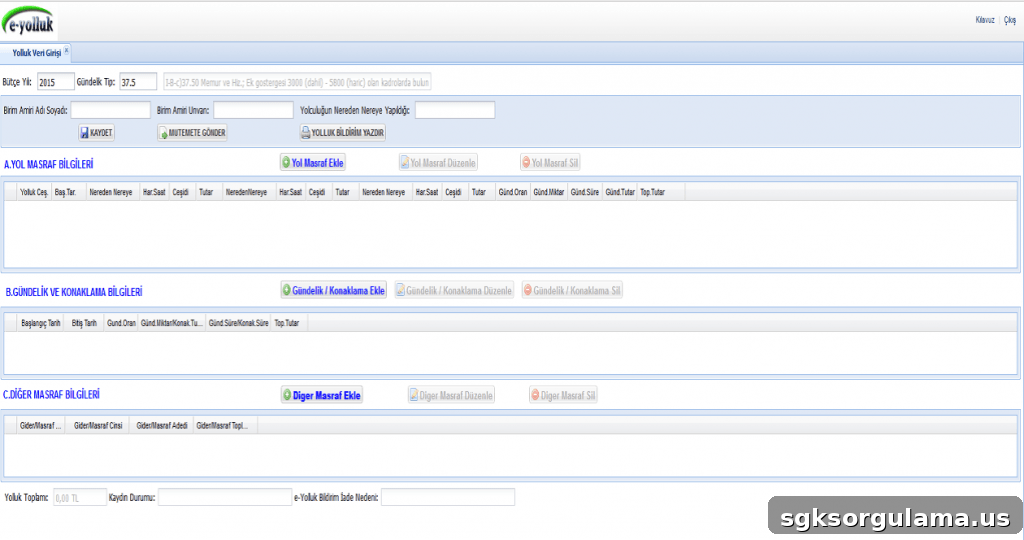
With the widespread adoption of many technology applications today, almost every task is now performed online via computers. In our country, numerous internet-based services have become common. The e-Government platform (e-Devlet) is one of these services. Many public institutions and organizations are integrated into the e-Government system, allowing citizens to complete official procedures online instead of visiting public offices. Because transactions are more transparent through e-Government, many negative issues—such as long queues and prolonged bureaucratic processes—have been reduced. In addition to these benefits, e-Government helps citizens save both time and money. Many public services are available through the e-Government portal. One of these services is the e-Yolluk (electronic travel allowance) application. In this article, you can learn what e-Yolluk is and how to complete e-Yolluk procedures via the e-Government system.
What Is E-Yolluk?
The e-Yolluk application is not applicable to everyone; it specifically concerns civil servants. Civil servants start as candidates for public service. After the probationary period is approved (typically within one year), candidates are promoted to permanent civil servant status. To become a civil servant, a candidate must successfully complete the probation period and be appointed to the position. Appointments may be initial, reappointments, or transfers. Civil servants appointed to the same location must start work the day after they receive their appointment notice. If a civil servant is appointed to a different location than their residence, they must travel to the appointed location within 15 days from the date the appointment notice is delivered and must start work on the next business day after arrival. Costs such as travel expenses and temporary housing allowances incurred due to relocation are covered by the state. The payments the state provides for these types of expenses are known as yolluk (travel allowance).
Another aspect of the e-Yolluk system is that the state calculates these payments based on the distance to the new duty location. Yolluk payments are determined by multiplying the distance (in kilometers) by a per-kilometer rate. The resulting amount is paid to the civil servant. Typically, this payment is transferred to the civil servant’s bank account on the day following the delivery date of the appointment notice.
E-Yolluk Application Procedure
- To use the e-Government e-Yolluk service, first visit the e-Government website and click the “Sign In” (Sisteme Giriş) area.
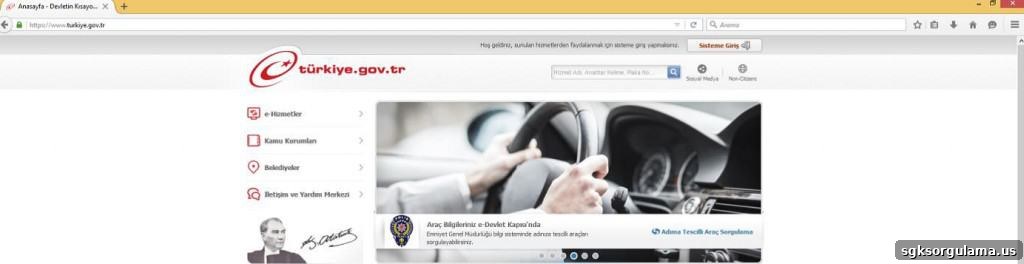
- Civil servants who do not yet have an e-Government password must obtain one to access the service. The e-Government password can be obtained from PTT branches. To get the password, the applicant must present a document that shows their Turkish ID number, such as an identity card, driver’s license, marriage certificate, or student ID.
- After acquiring the password, log in to the e-Government portal using your Turkish ID number (T.C. kimlik numarası) and the e-Government password.
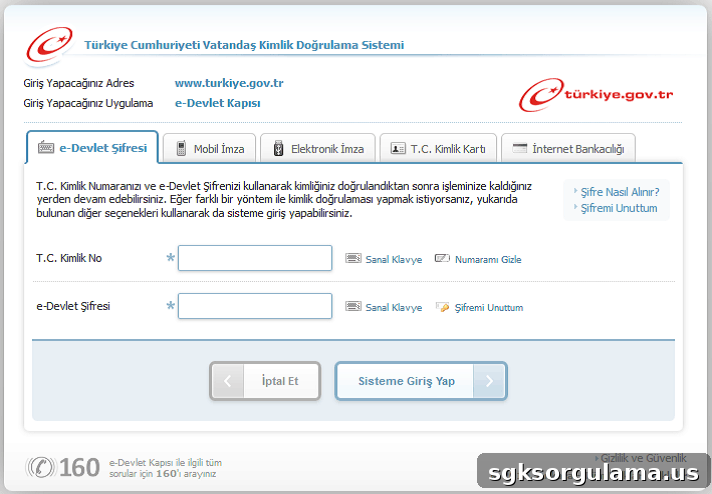
- Next, click the “Public Institutions” (Kamu Kurumları) option on the left side of the screen. Then select the Ministry of Finance’s “e-yolluk” application from the list.
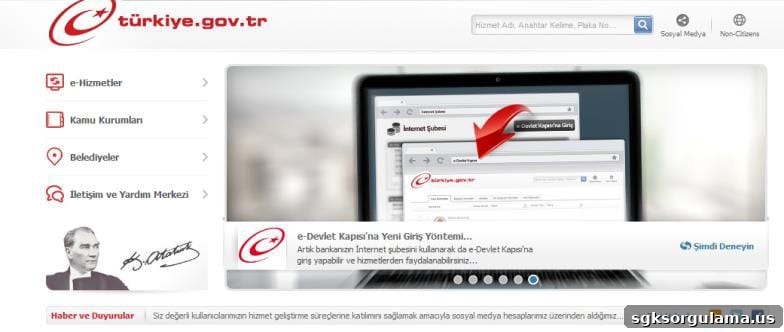
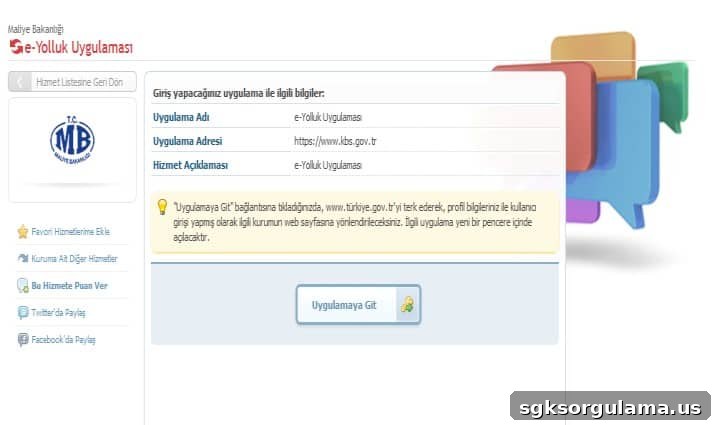
- After these steps, an information page related to e-Yolluk will appear. The table on this page contains details about the travel allowance, such as “Application Name,” “Application Address,” and “Service Description.” Click the “Go to Application” (Uygulamaya Git) button to proceed.
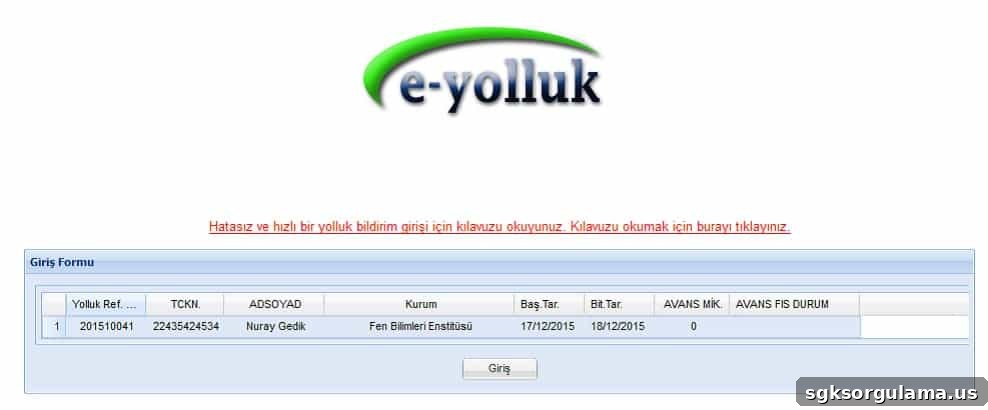
- Once you continue, the “e-yolluk notification list” screen will appear. From this list, select the relevant travel allowance notification entry and click “Enter” (Giriş).
- After entering, prepare the e-Yolluk claim form. Since the system records your entry, you must complete the notification form that appears on the main screen. Fill in all required fields accurately to submit the travel allowance request.